
Viewing and Managing Milestones
Milestones can be accessed and managed from both project level and document level:
Project-Level:
-
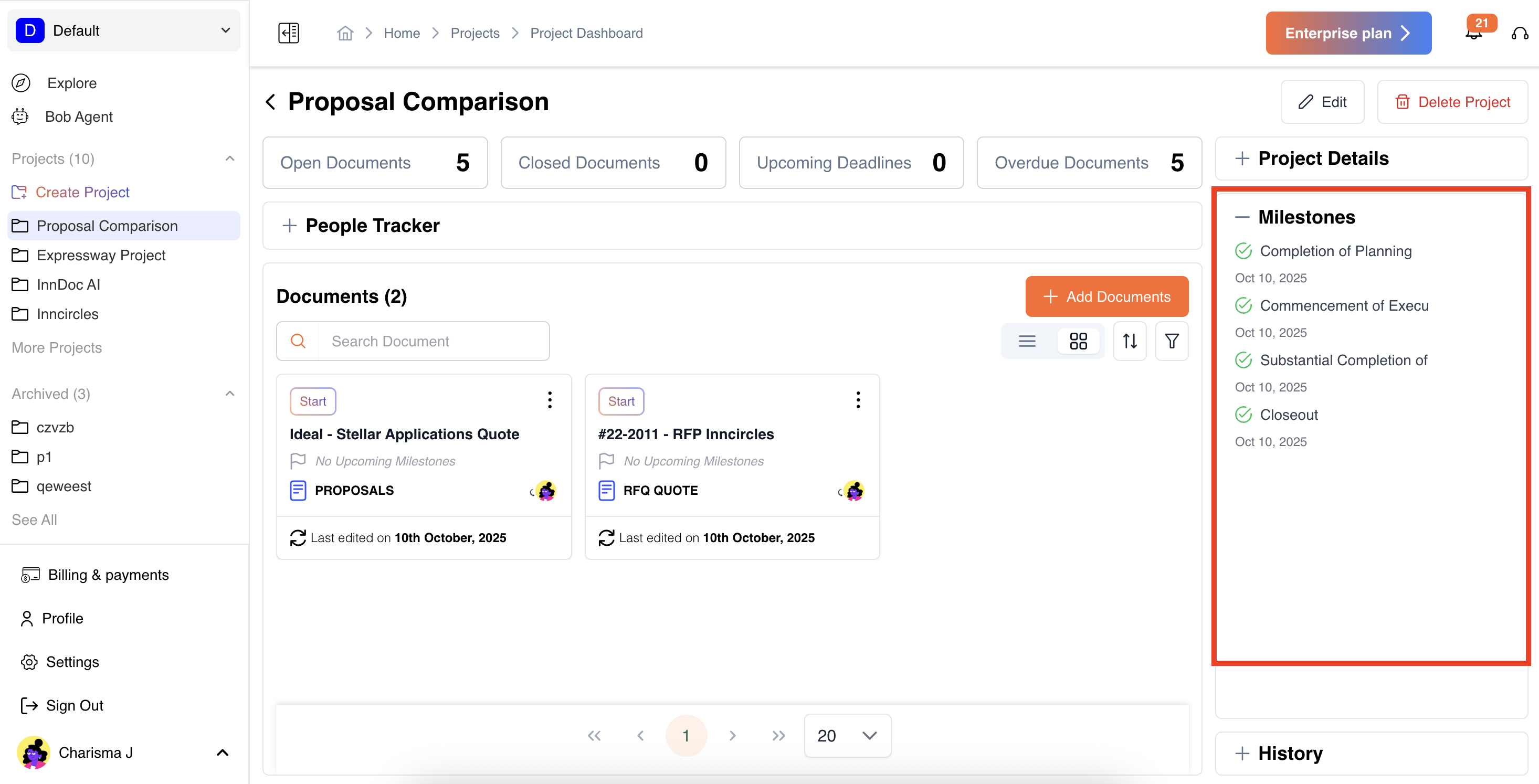
Open a project and check the Milestones panel on the right-hand side.
-
View the progress of each milestone and track completion.
-
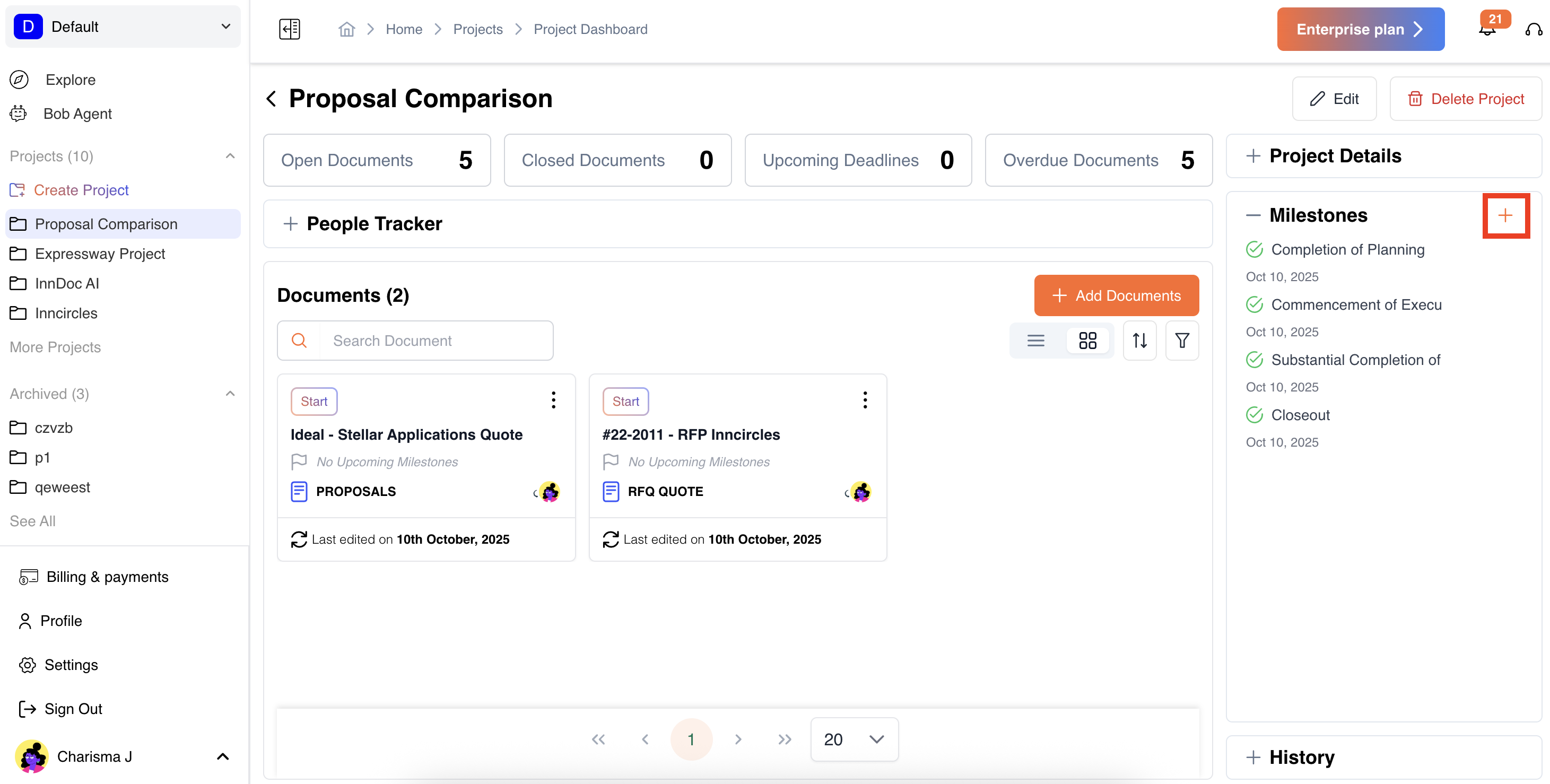
Add, configure reminders and due dates for milestones in the same way as you do during the creation of a project.
.
Document-Level:
Open a document and navigate to the Milestones section.
-
View, update, or add new milestones.
-
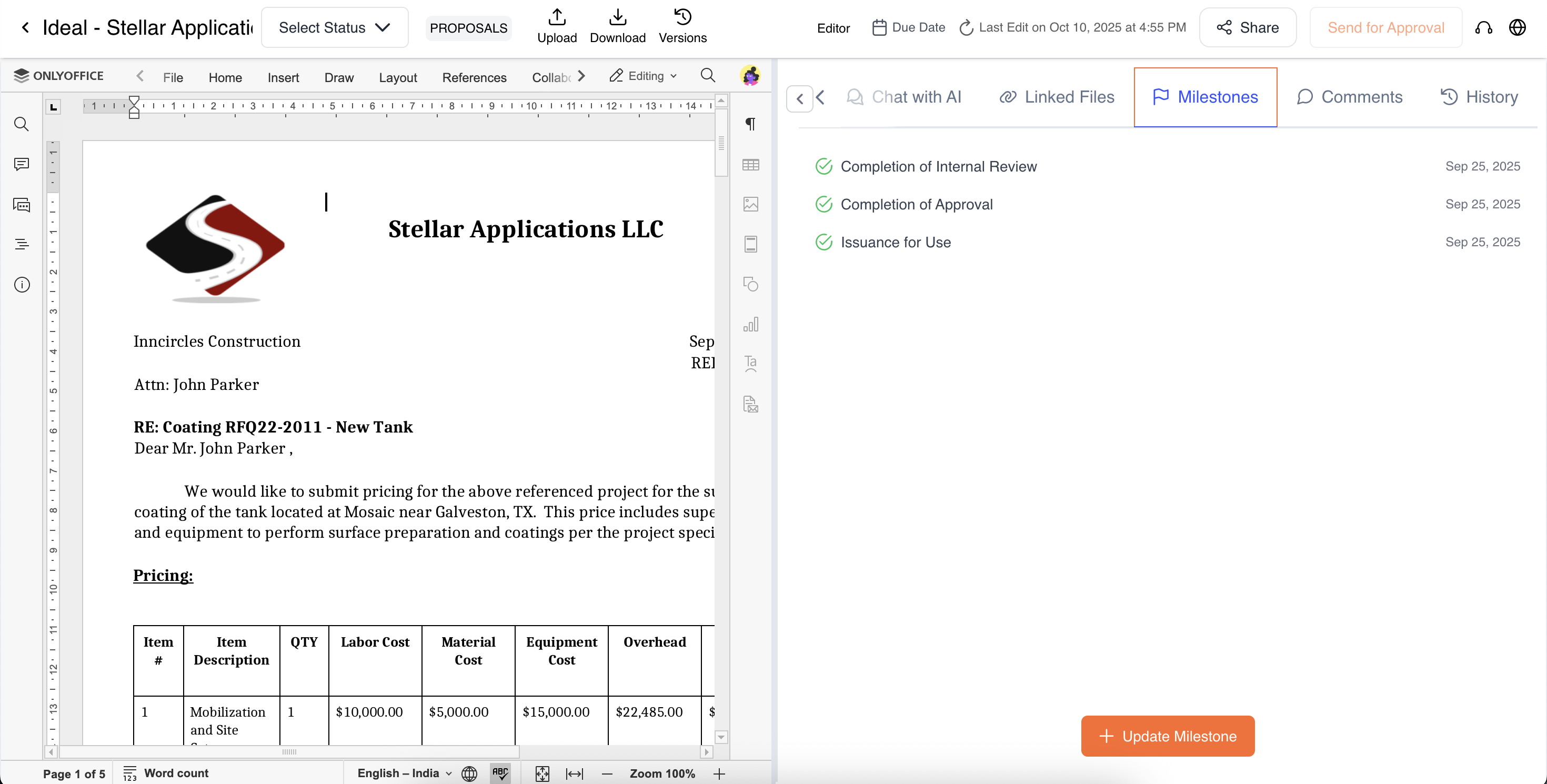
Add, configure reminders and due dates for milestones in the same way as you do during the creation of a document.
This ensures that milestones are visible wherever you need them, providing a clear snapshot of deadlines and upcoming tasks.
Updated about 1 year ago
Did this page help you?