
Custom Key Performance Indicators
Custom Key Performance Indicator Configuration
-
Users can define the Key Performance Indicators based on specific organizational or project needs: Navigate: Settings → Documents → Document Type → Options → Custom KPIs
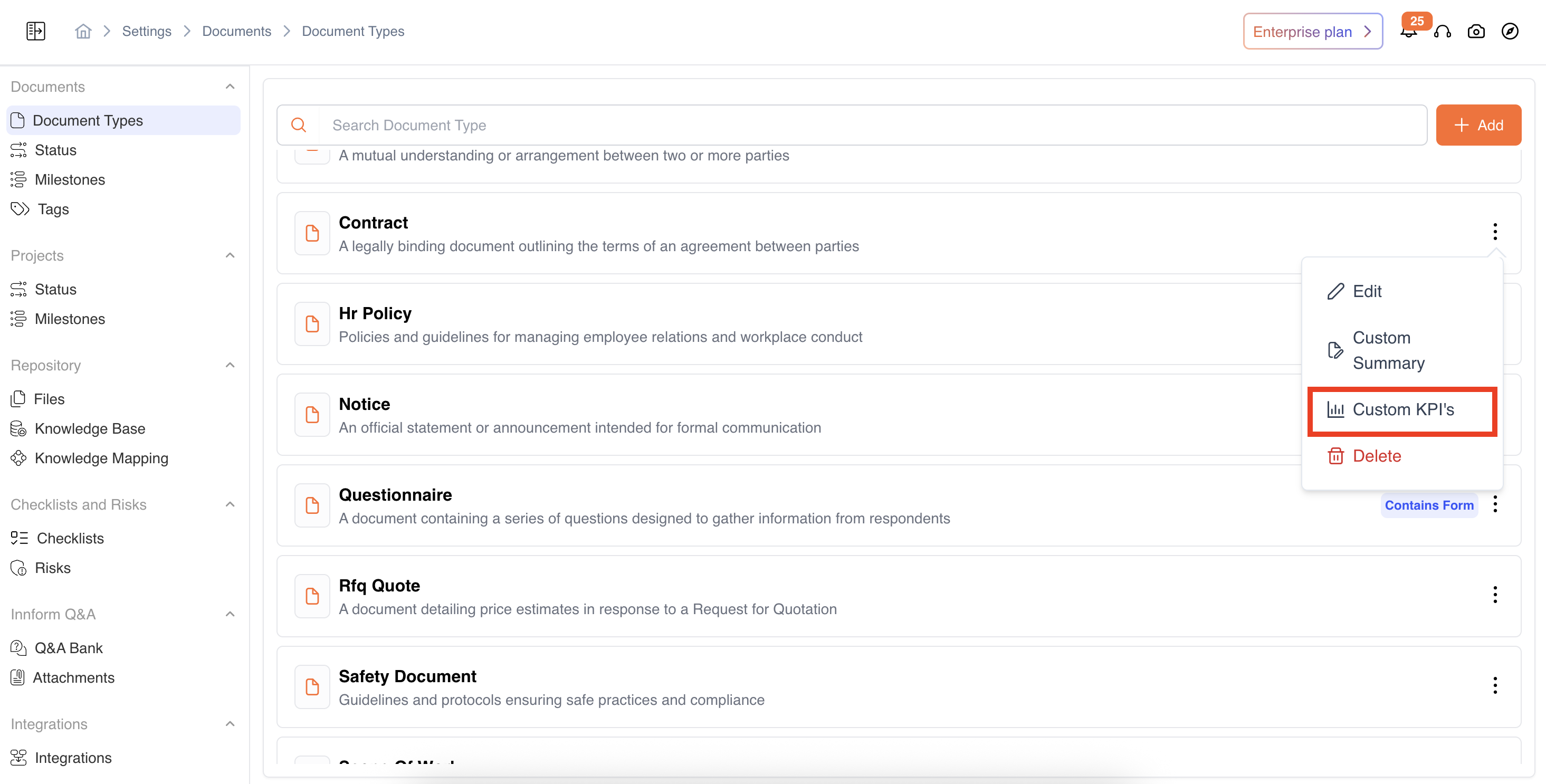
-
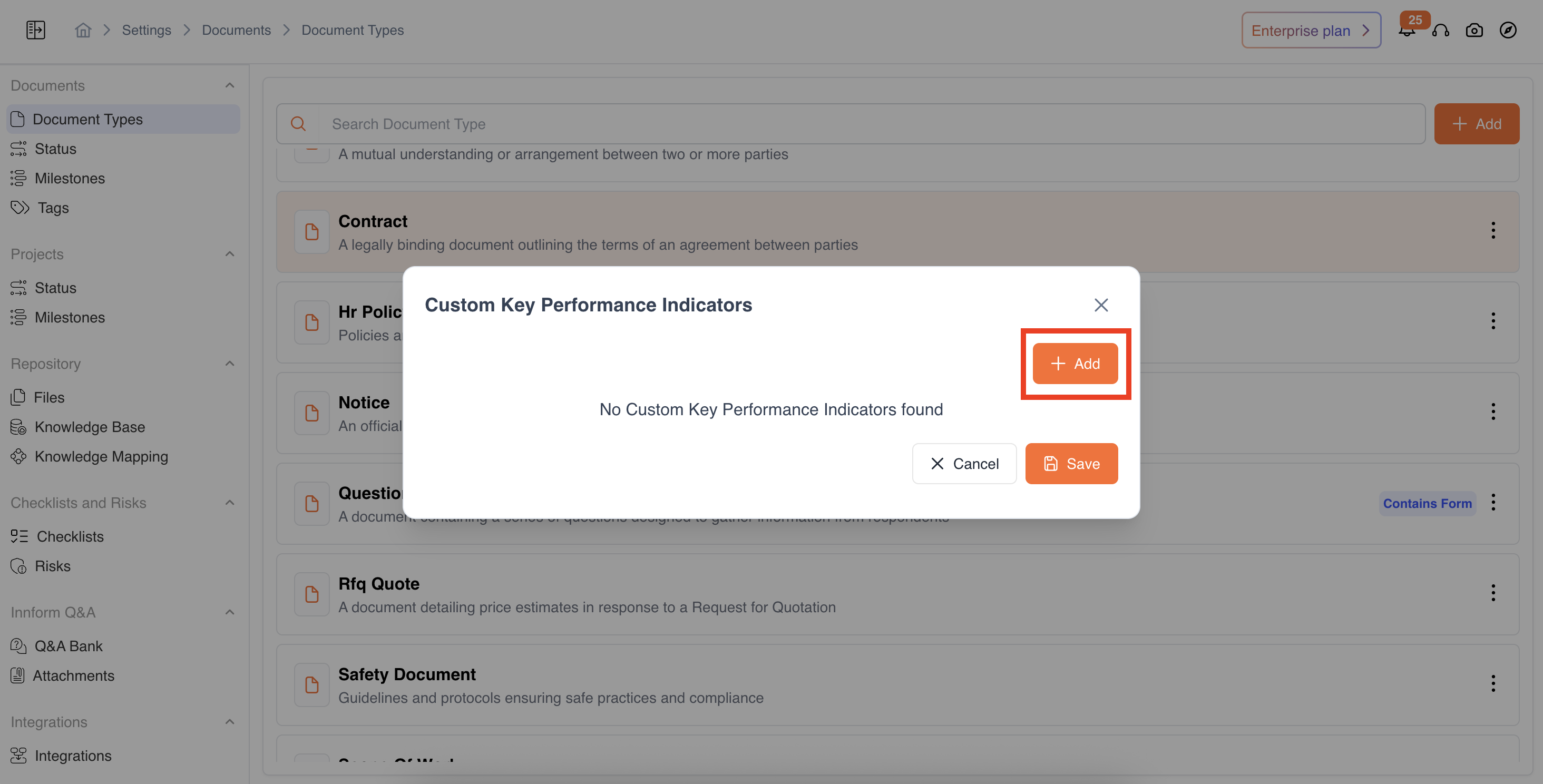
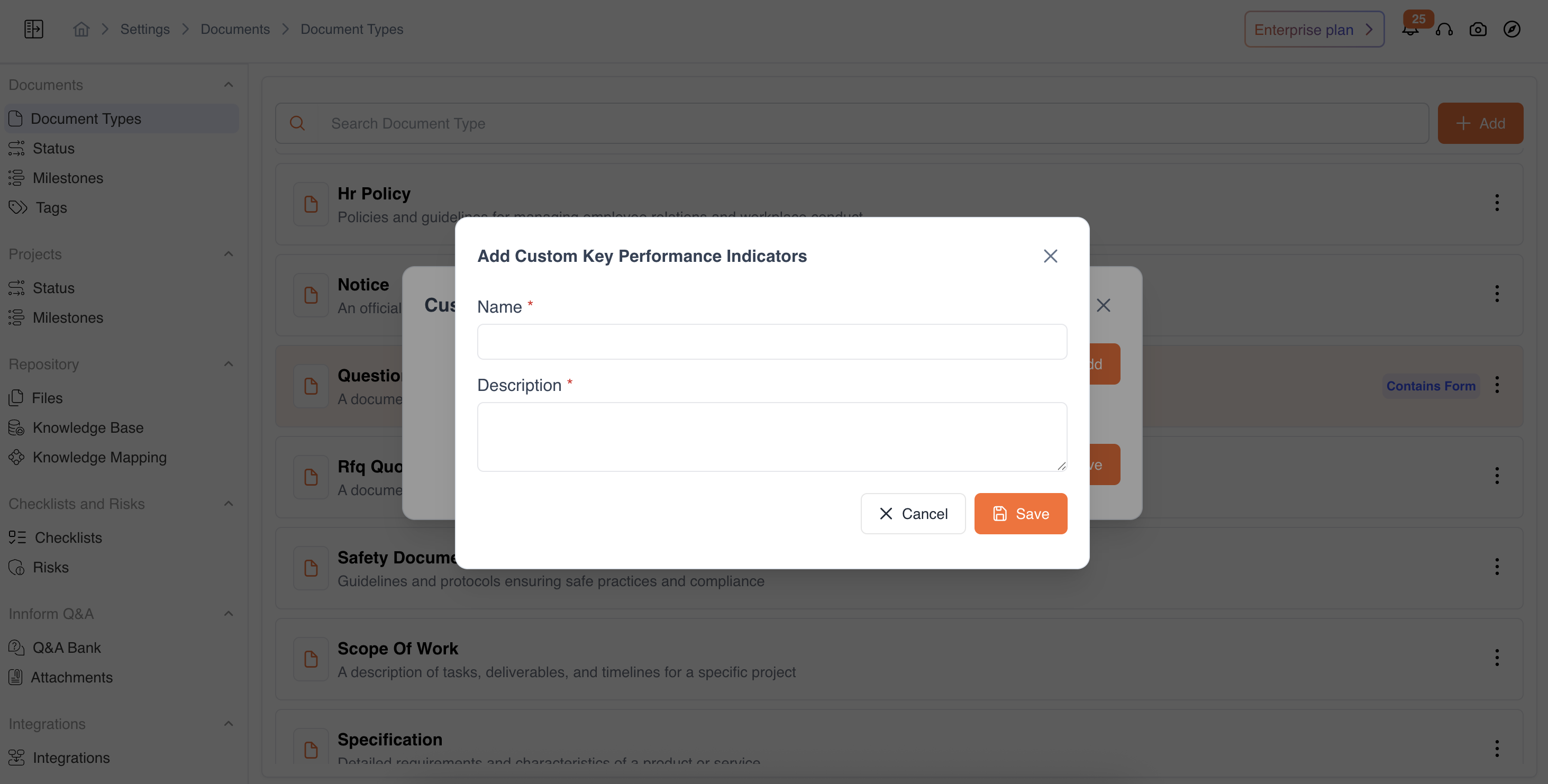
Add a KPI to define a name and provide a detailed description to outline its functionality based on organizational requirements, select Save to finalize the custom KPIs settings.
During Comparison
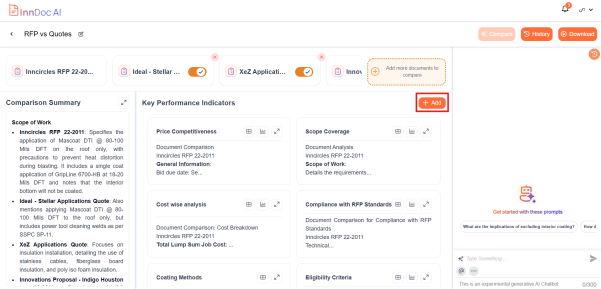
- If required, Users can define their own KPIs by navigating to the 'Key Performance Indicators' section and clicking '+Add'. Navigation: Document → Insights → Compare → Comparison Log → Key Performance Indicators → Add
- Provide a name and a description explaining the KPI’s functionality.
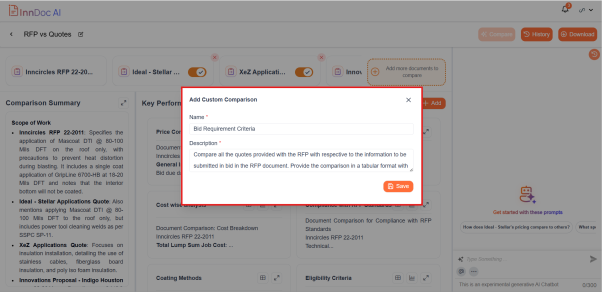
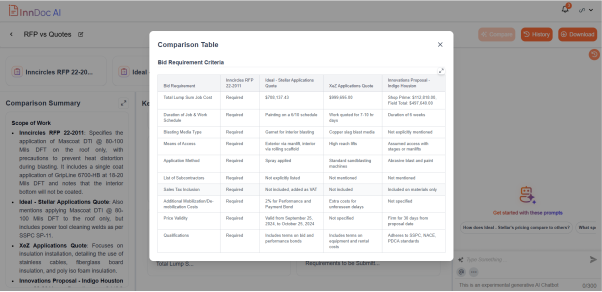
- Once saved, InnDoc AI will generate insights based on the newly created KPI.
Updated 12 months ago
Did this page help you?