
Configuring Milestones in Settings
Milestones can be set up for your entire workspace under the Settings section. This ensures that milestones are available by default and can be reused across projects or documents without setting them repeatedly.
Document Milestones
- Navigate to Settings → Documents → Milestones
- When configuring milestones, they are tied to specific document types. This ensures that every document of that type automatically inherits the relevant milestones, streamlining workflow and avoiding repeated manual setup.Milestones are set based on the document type
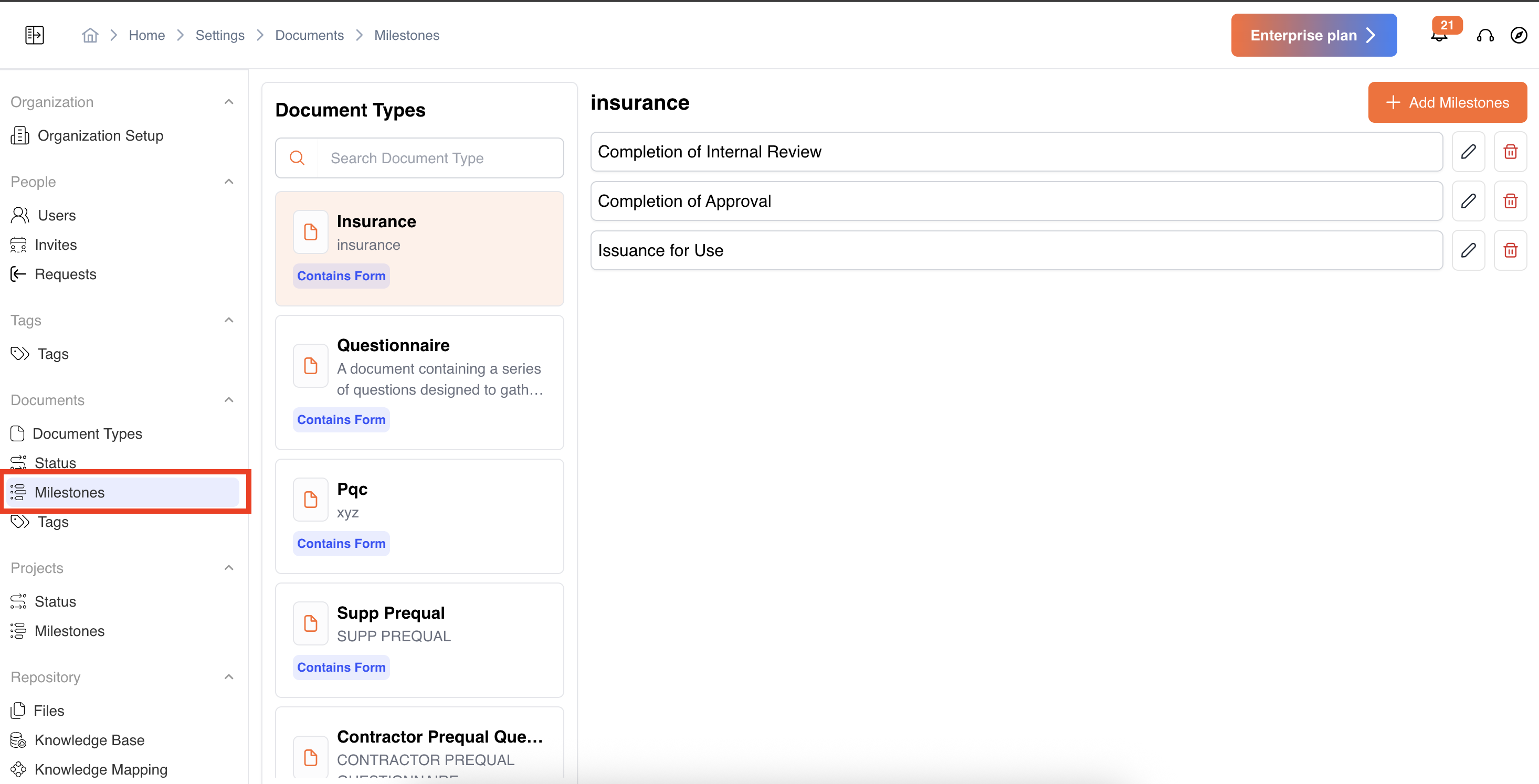
-
Add a Milestone: Click on Add Milestone, give it a name, and save.
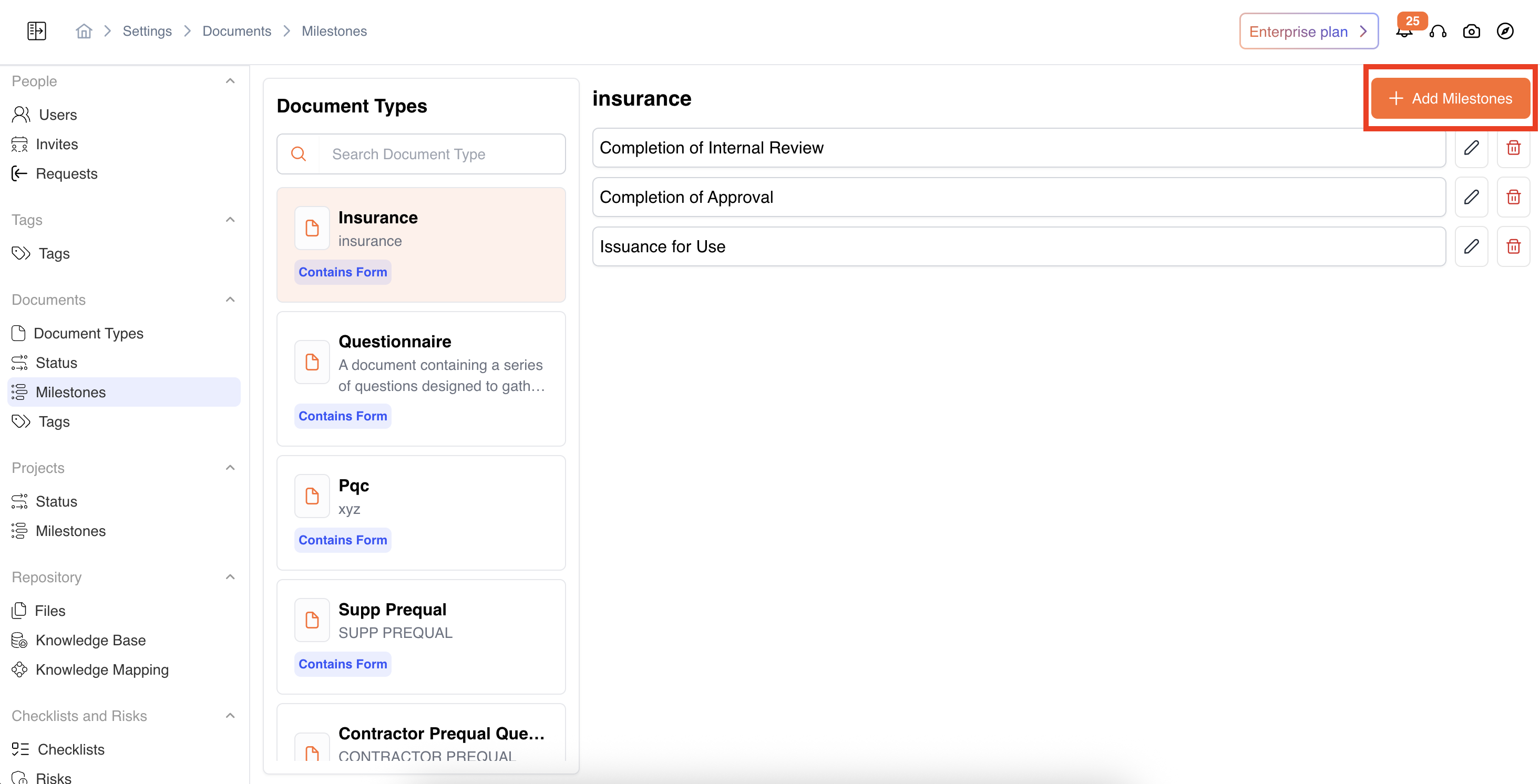
-
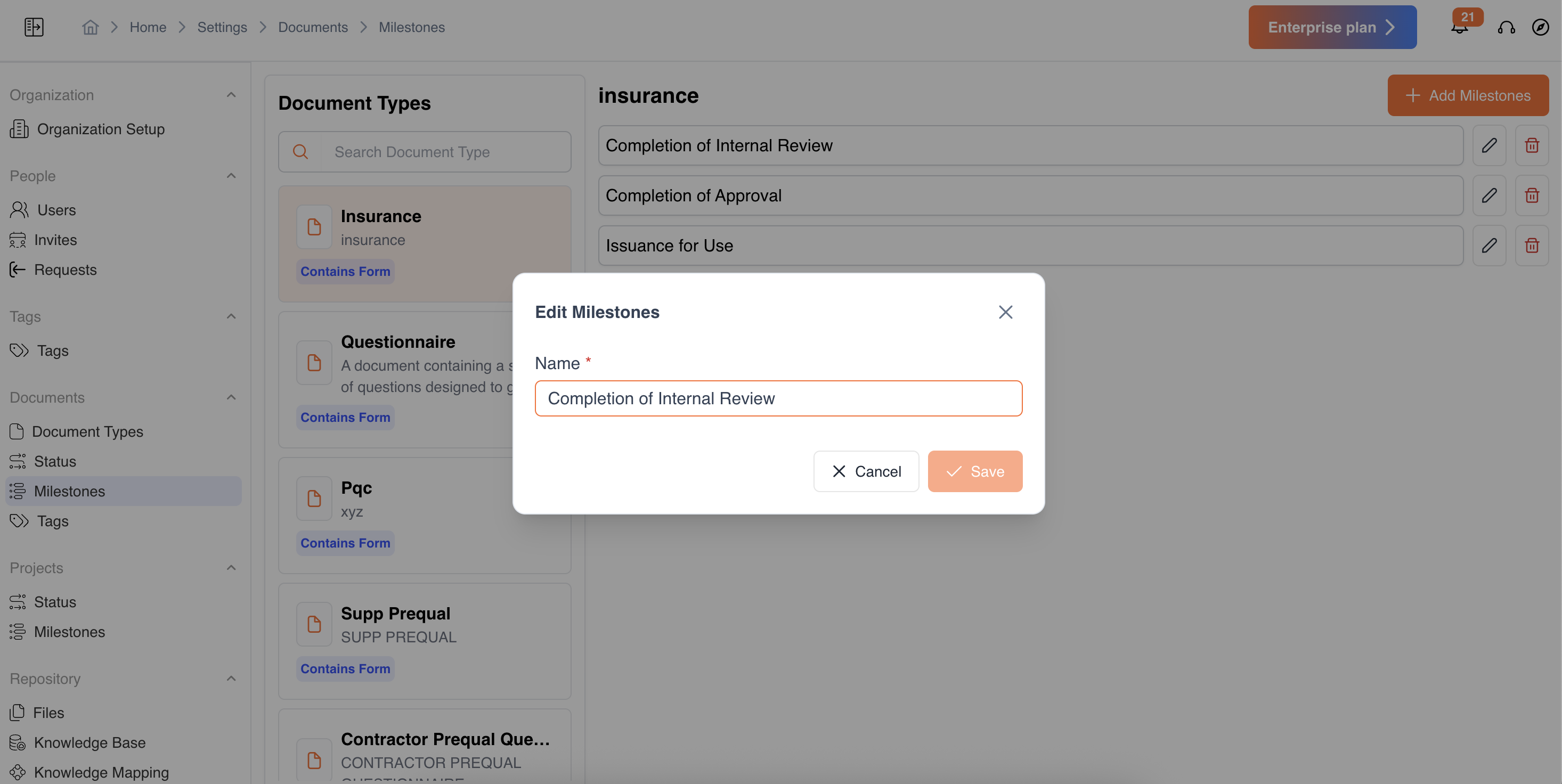
Edit a Milestone: Modify existing milestones if requirements change.
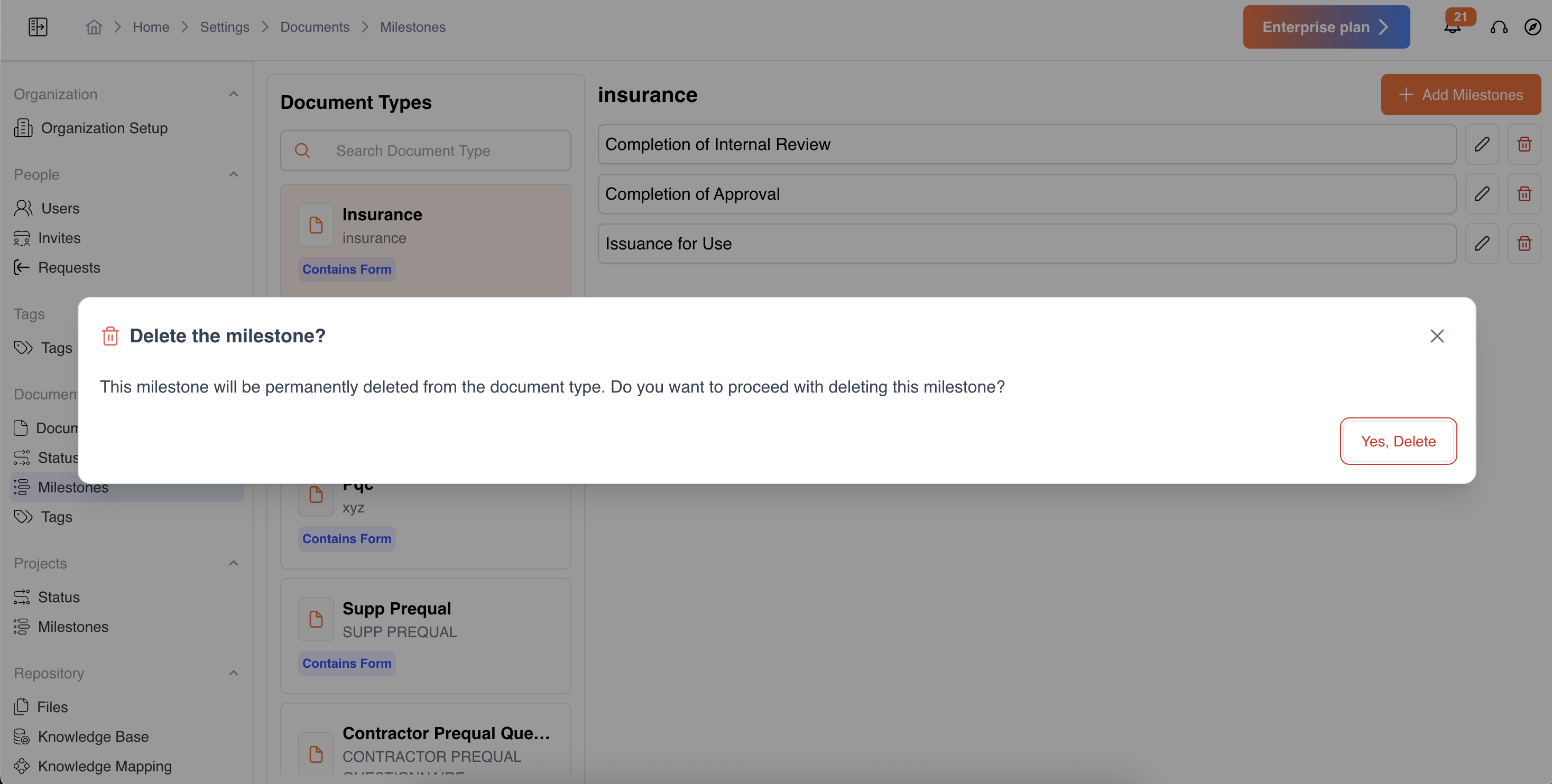
- Delete a Milestone: Remove milestones that are no longer relevant.
Project Milestones
Milestones can also be configured for specific document types.
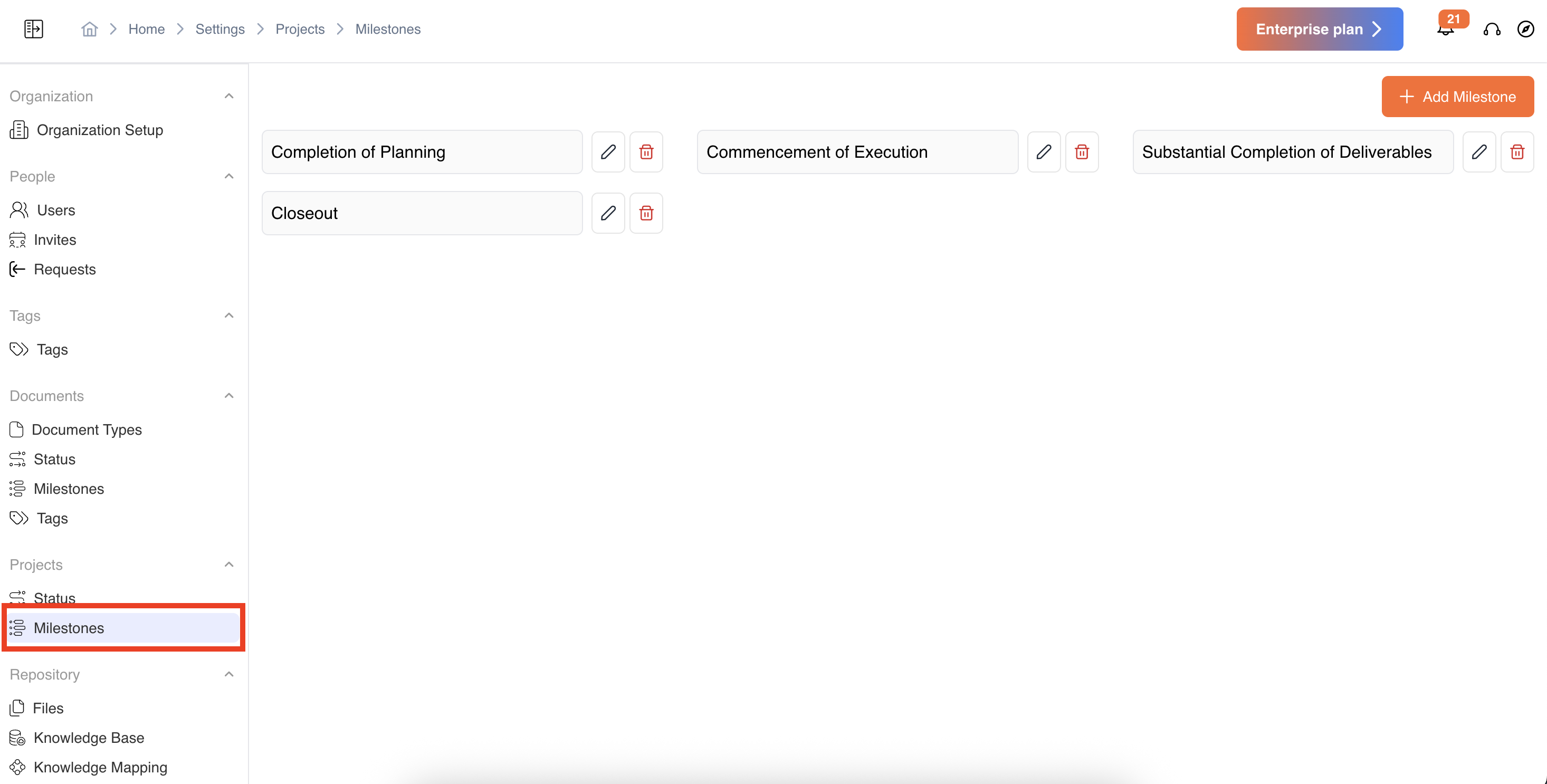
You can add, edit, or delete project-level milestones, similar to how it works for documents.
Video Reference - https://app.guidde.com/share/playbooks/vudRKDLRFymYkP9jnPnLaV?origin=CLhuhyWU58WFuigCugTh3i3jhGs2
Updated 9 months ago
Did this page help you?