
Generate Linked Document (Prerequisites - Document Type and Document)
- The Generate Linked Document feature in InnDoc AI enables users to create secondary documents that are systematically linked to a primary document.
- Leveraging AI-driven capabilities, this feature ensures consistency, reduces manual effort, and enhances document traceability.
Choose the Primary Document
- Access the “Documents” section in the home screen and select the relevant primary document.
- Then after, navigate to “Linked Files” within the document interface.
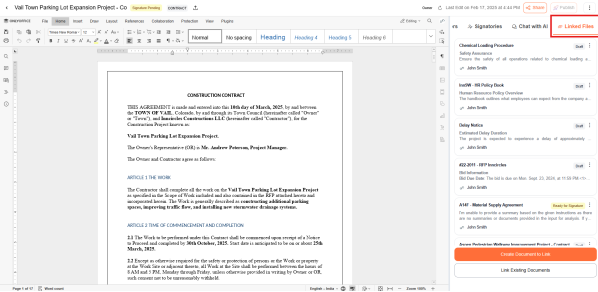
- Click "Create Document to Link" to initiate the process.
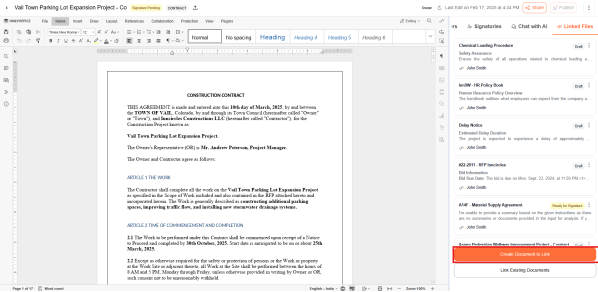
The document generation of linked files can be done in both the ways:
- Generating from Scratch
- Generate using Repository
Selecting a Document Type
- Users can choose an appropriate document type that best fits their requirements (e.g., Contracts, RFQs, Agreements, etc.
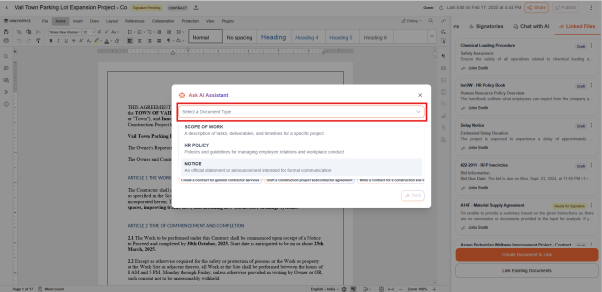
- If the user intends to customize a document type based on specific requirements - Create a Custom Document Type
Providing Prompts
- Users must enter a detailed and well-structured prompt to guide AI in generating a relevant and precise document.
- The more specific and detailed the prompt, the more accurate and contextually relevant the generated document will be.
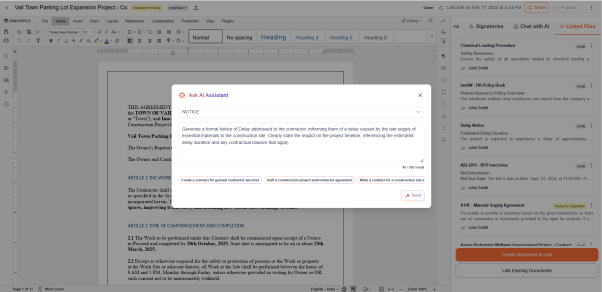
- Once a detailed prompt is provided, click "Send."
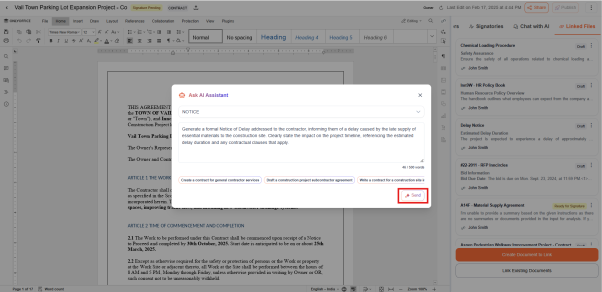
- Users can choose to create a document from scratch by clicking the "Generate from Scratch" button, followed by "Generate" allowing complete customization
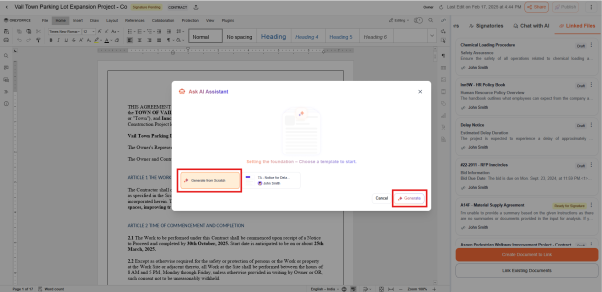
If the user is interested in generating document based on the reference documents available in the Repository
- Users can select a reference document if they want the generated document to follow a similar structure and format as an existing document. Once selected, select "Generate" to proceed with the document creation.
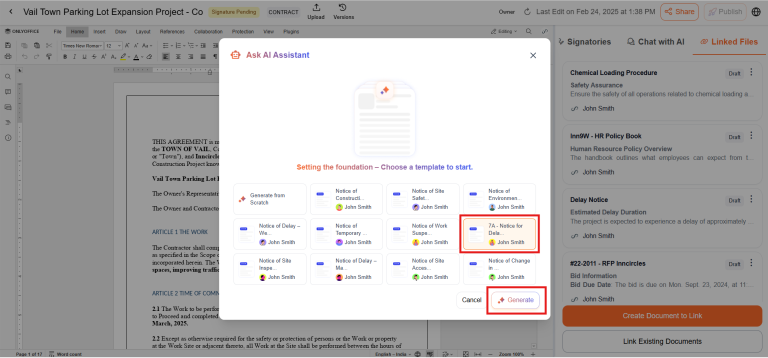
The system intelligently references the primary document’s context to generate content for the linked document. Users can review, modify, and refine the generated content to align with specific requirements.
Updated about 1 year ago
Did this page help you?