
Approvers
- The Approvers feature in InnDoc AI enables users to define and manage the approval process for documents, ensuring compliance and validation before finalization.
- Users can assign approvers at different levels, including both internal and external users, to facilitate structured document reviews.
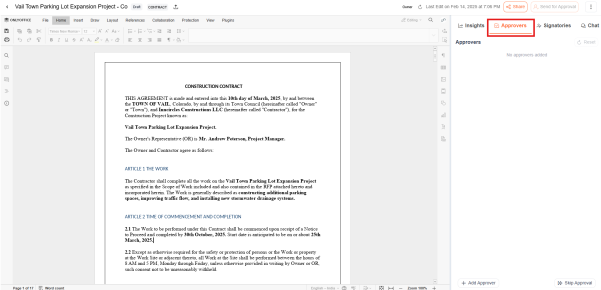
Users can conveniently access this feature by navigating to the Approvers tab.
Adding Approvers
- Users can allocate approvers to the document by clicking on the "Add Approver" button.
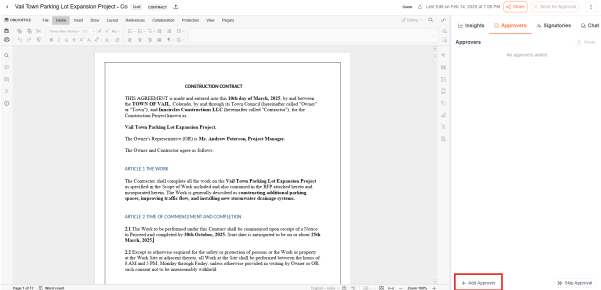
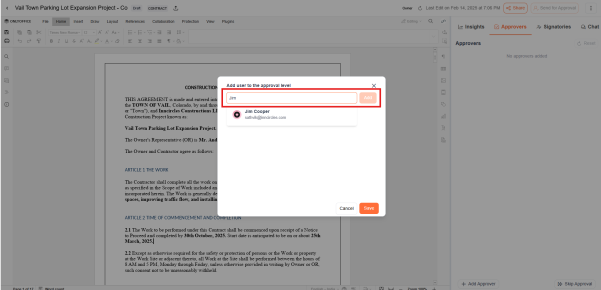
- Approvers can be internal members (within the organization) or external users (outside the organization, such as clients or third parties).
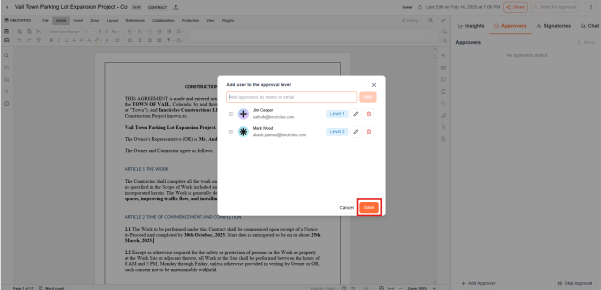
- Once approvers are added, clicking "Save" registers the approvers for the document.
Skipping the Approval process
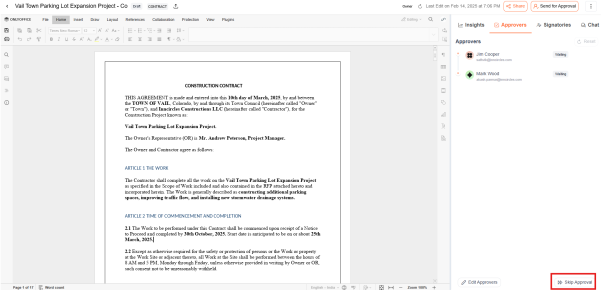
- If approval is not required for a document, users can bypass the approval process by selecting the "Skip Approval" button.
Sending for Approval
- Once the document is finalized, users can initiate the approval process by clicking on "Send for Approval".
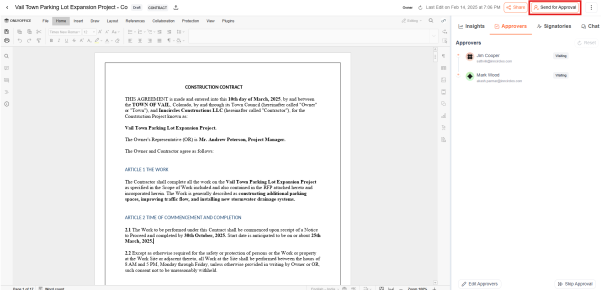
- The document is then forwarded to the designated approvers for review and validation
Modifying the Approval workflow
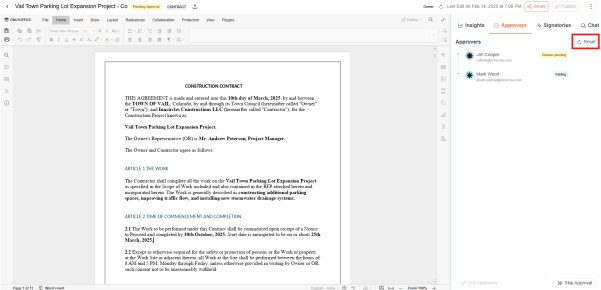
- After submitting a document for approval, users can modify approver details if necessary. Clicking "Reset" enables them to adjust the approval workflow as needed.
The Approvers feature in InnDoc AI enables organizations to establish a seamless, controlled, and customizable document approval process, reducing bottlenecks and improving workflow efficiency.
Video Reference - https://app.guidde.com/share/playbooks/sbfrHsPU2a6Xrgw8X3yGef?origin=CLhuhyWU58WFuigCugTh3i3jhGs2
Updated 9 months ago
Did this page help you?