
Documents Dashboard
Overview:
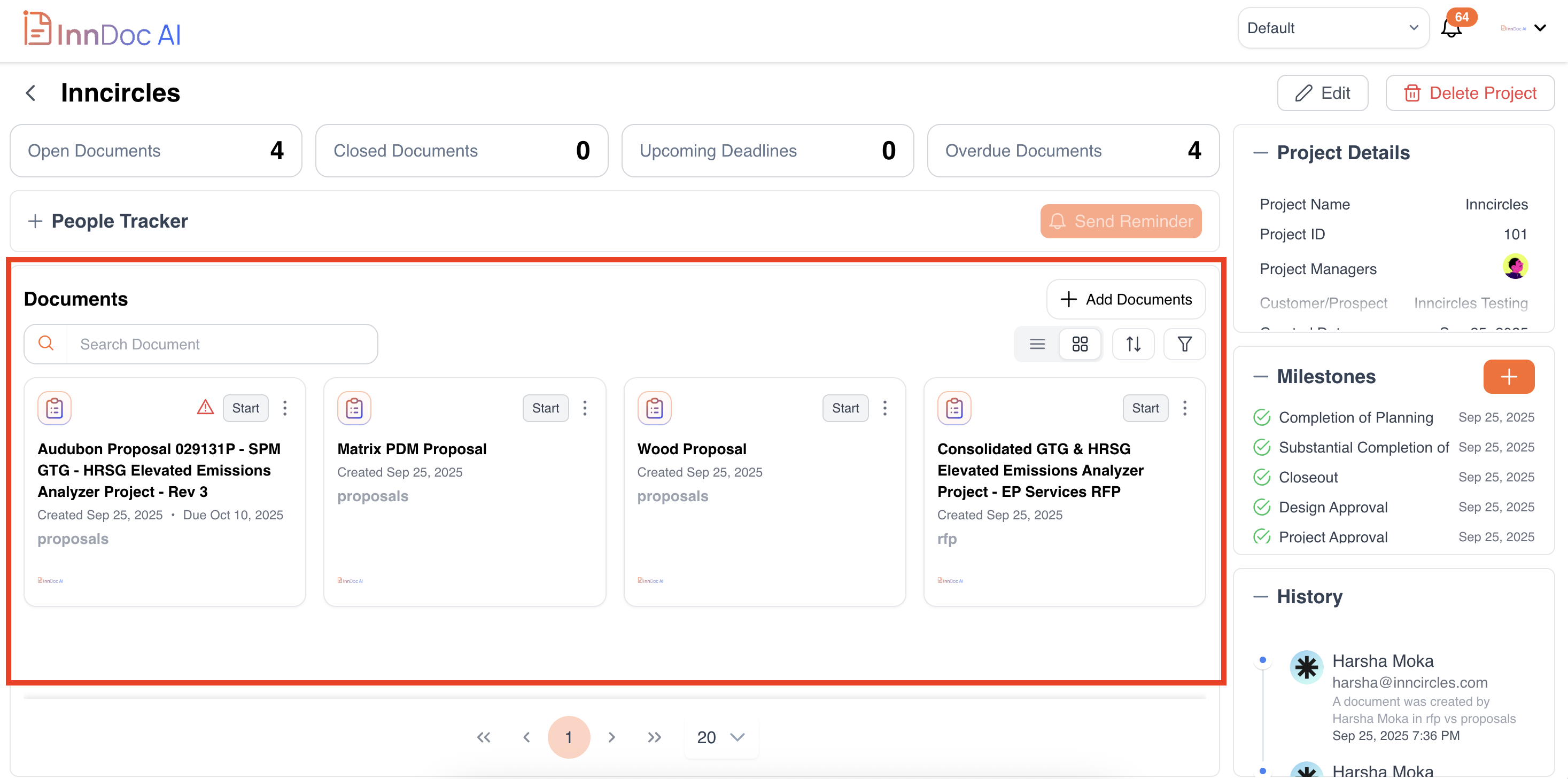
The Documents section provides a consolidated view of all documents associated with a project, helping you track status, deadlines, and collaborators efficiently.
Viewing Documents:
-
See the Document Name, Type, Created Date, Due Date, and Assignees.
-
Track Status (e.g., Open, Closed) and Overdue documents.
-
Switch between List View or Card View for better visualization.
Document Actions:
-
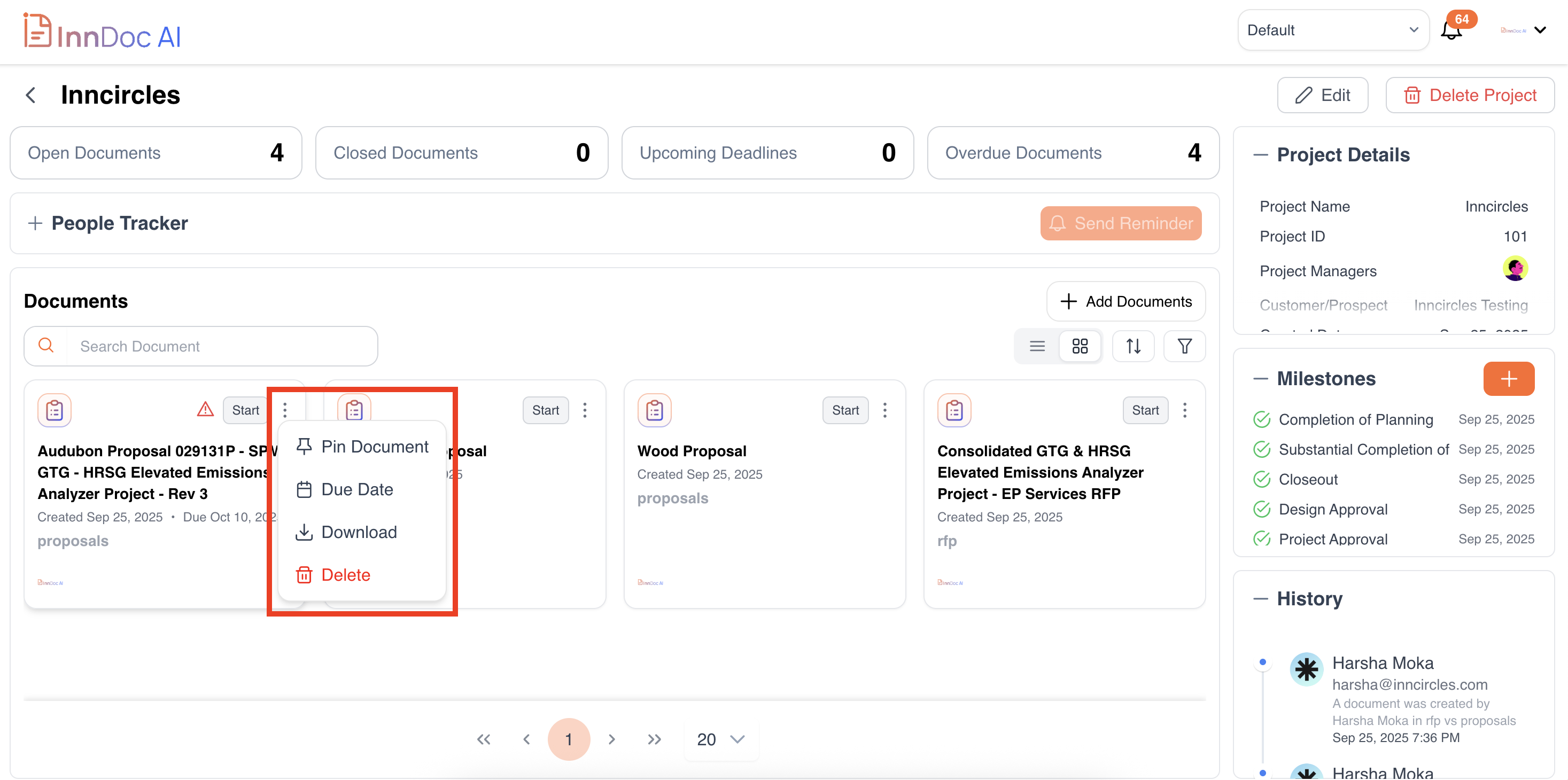
Pin Document: Highlight important documents at the top.
-
Update Due Date: Change or set a new deadline.
-
Download: Download the document in its original format.
-
Delete: Remove documents when no longer needed.
Adding Documents:
-
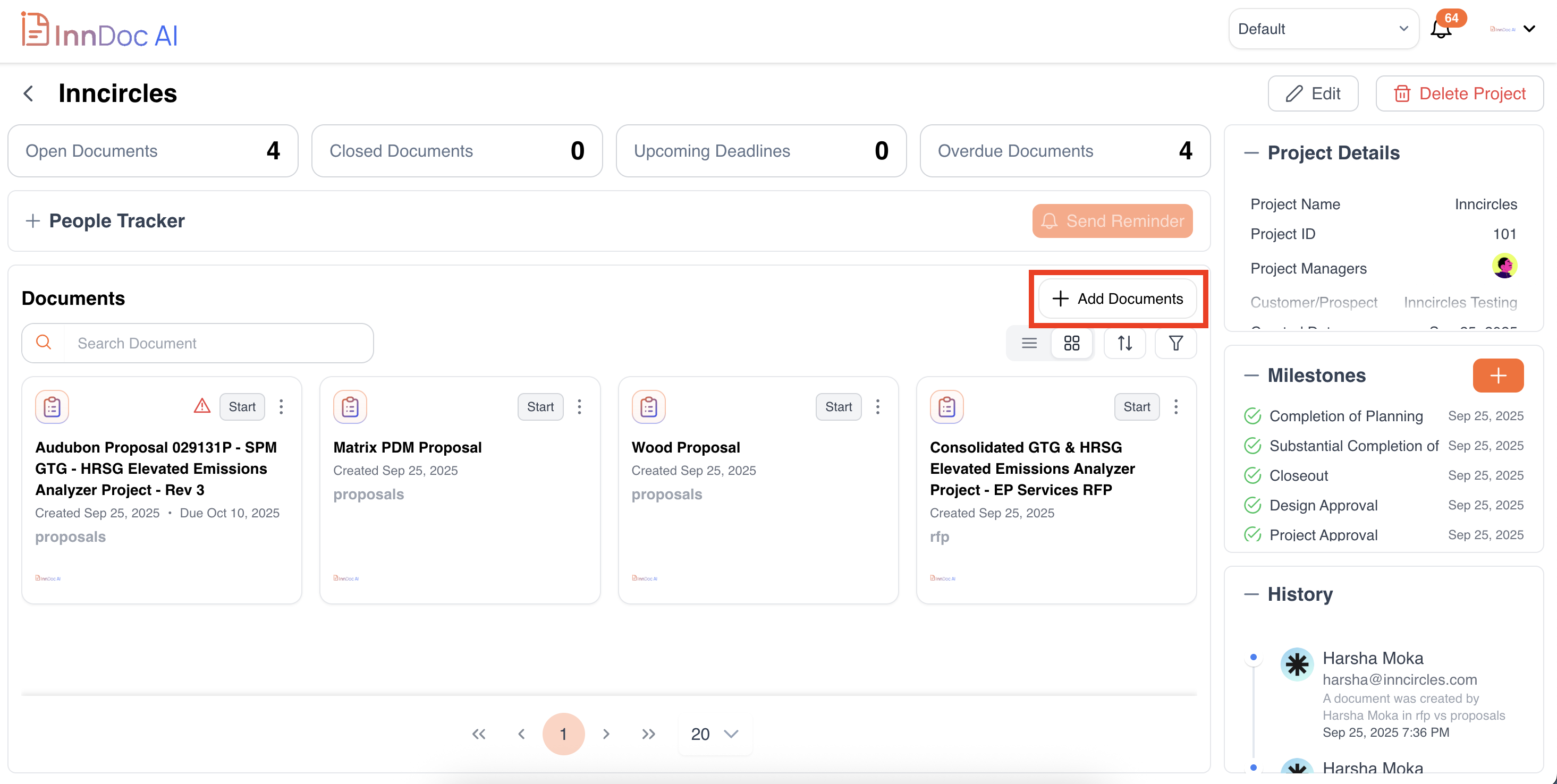
Click Add Document to upload or create a new document.
-
Select the Document Type and link it to the relevant Knowledge Base if needed.
Sorting & Filtering:
-
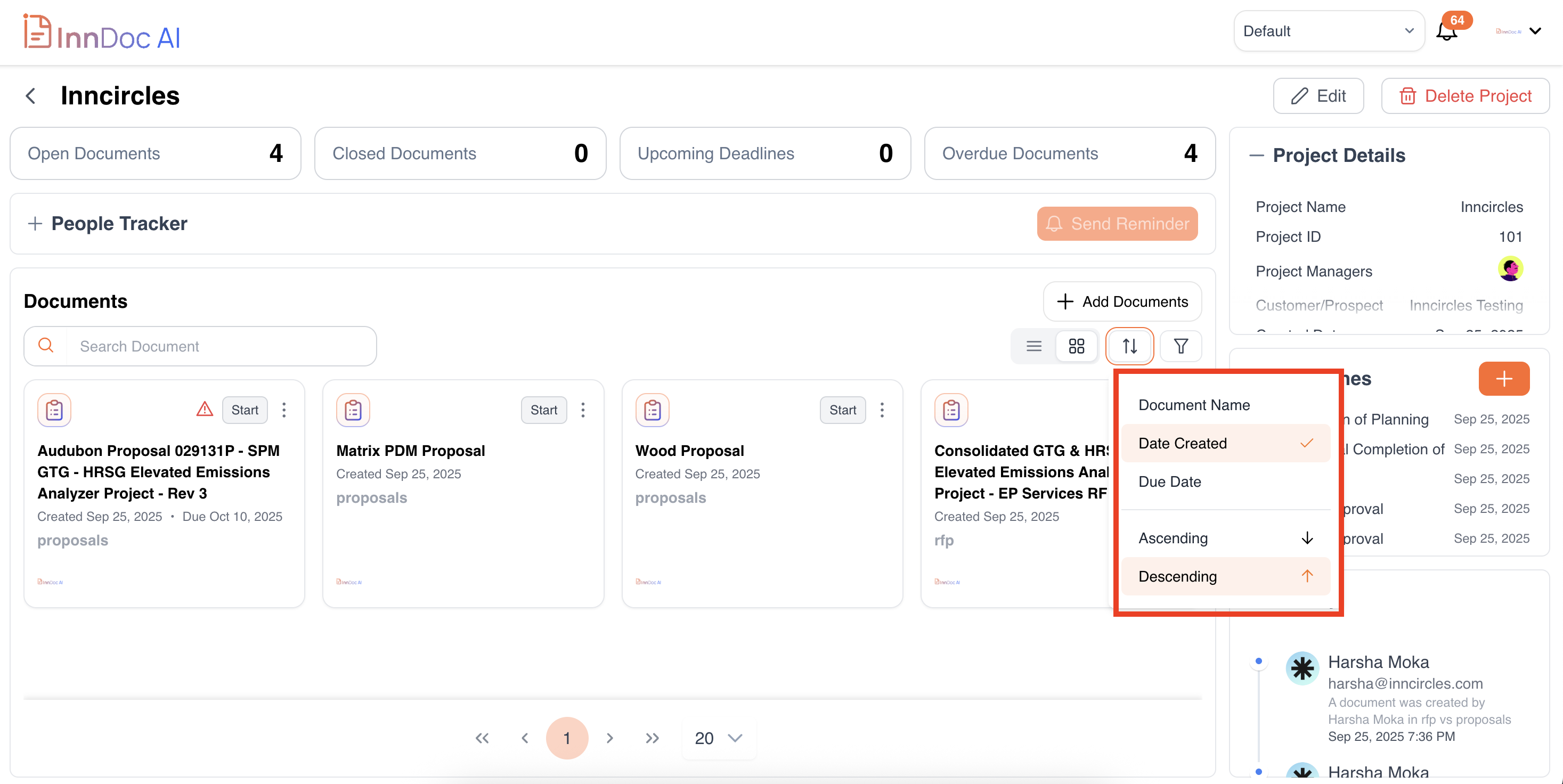
Sort by: Document Name, Created Date, Due Date.
-
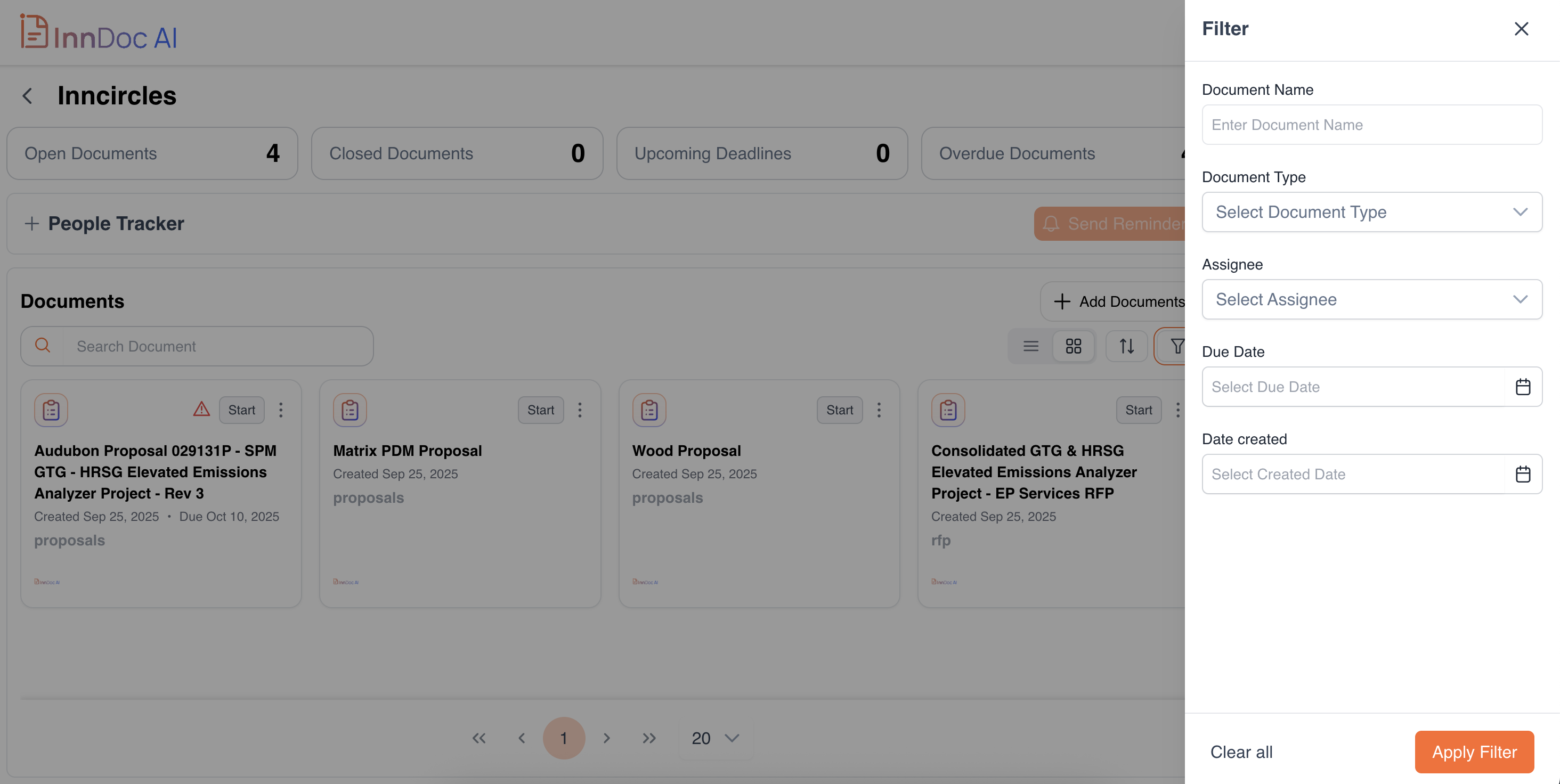
Filter by: Document Name, Document Type, Assignee, Due Date, Created Date.
Updated 11 months ago