
Deleting a Workspace
Deleting a workspace can only be done by Super Admins or Org Admins.
- Click on the workspace name (top-left).
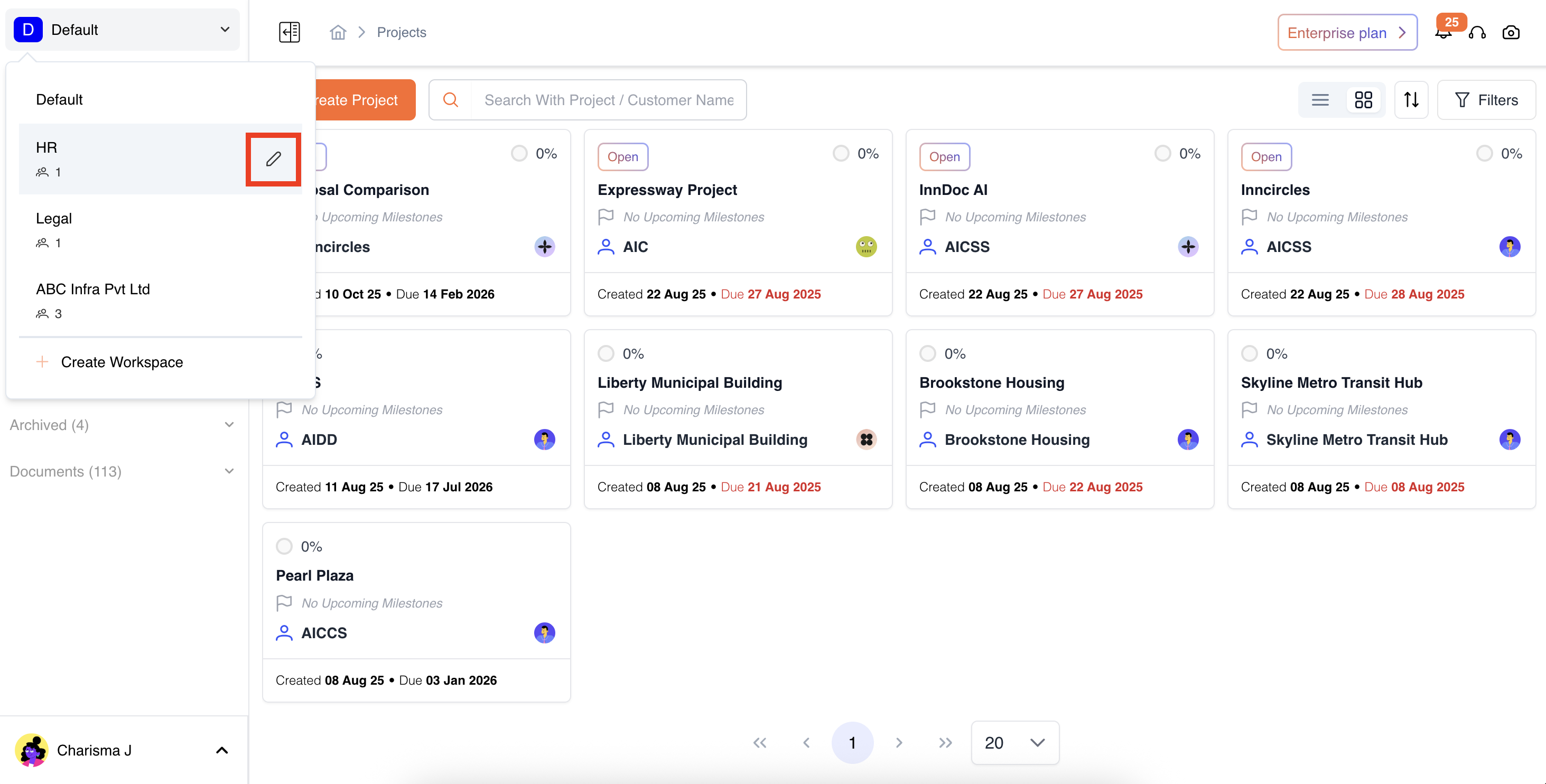
- Click Delete Workspace.
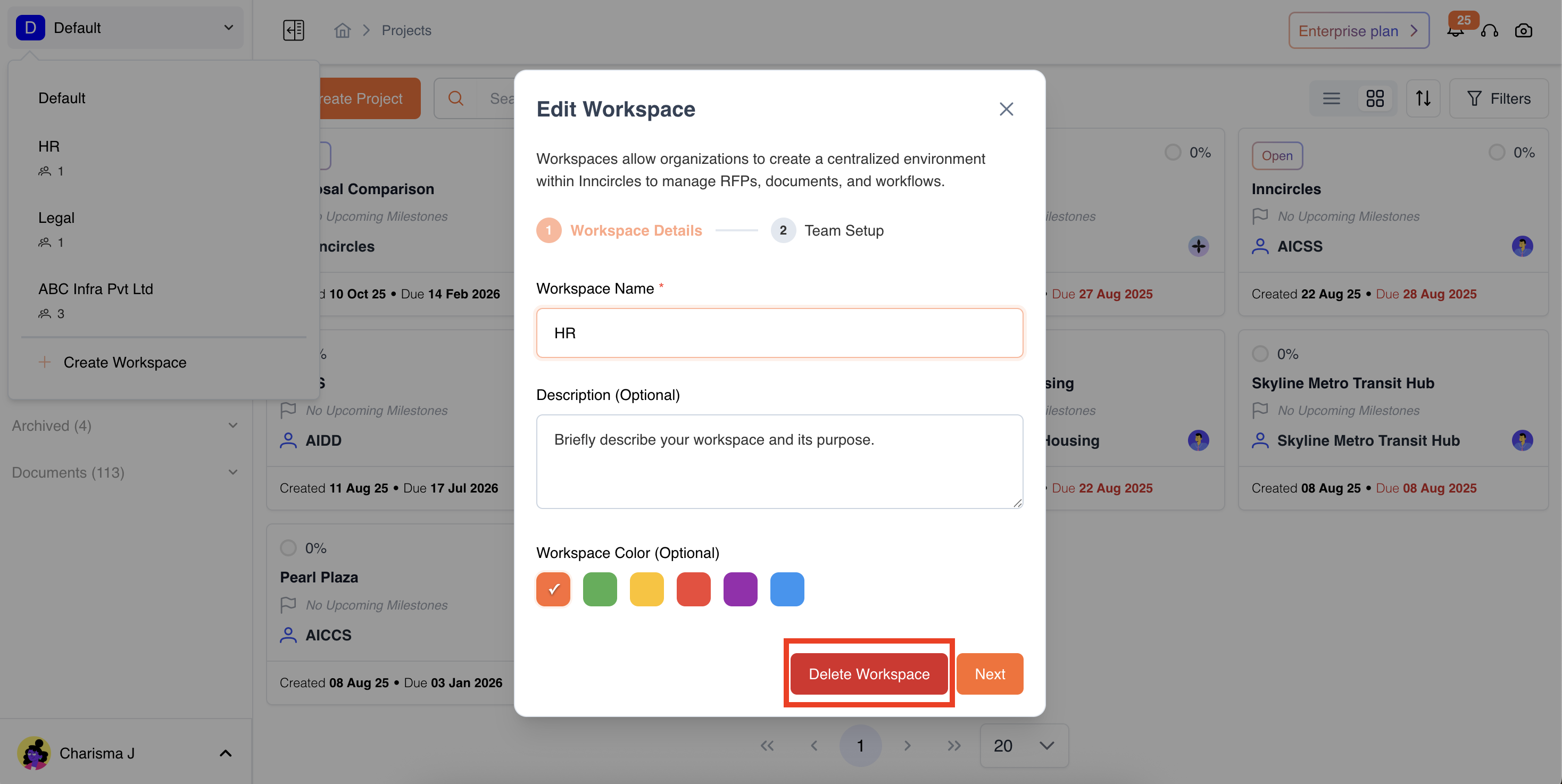
- Confirm deletion
- All members lose access, and data is permanently removed.
⚠️ Warning:
Deleting a workspace cannot be undone. All related data, documents, and projects will be permanently deleted.
Updated 11 months ago
Did this page help you?