
InnDoc AI Editor
The Editor in InnDoc AI provides a powerful and intuitive platform for creating, editing, and managing documents. It allows users to draft essential construction documents with ease while enabling seamless collaboration and controlled sharing.
Start with an empty document
-
Click on "Create an Empty Document" to begin drafting a new document.
-
Users can choose from predefined document types such as Contracts, RFQs, Agreements, etc. based on the requirements.
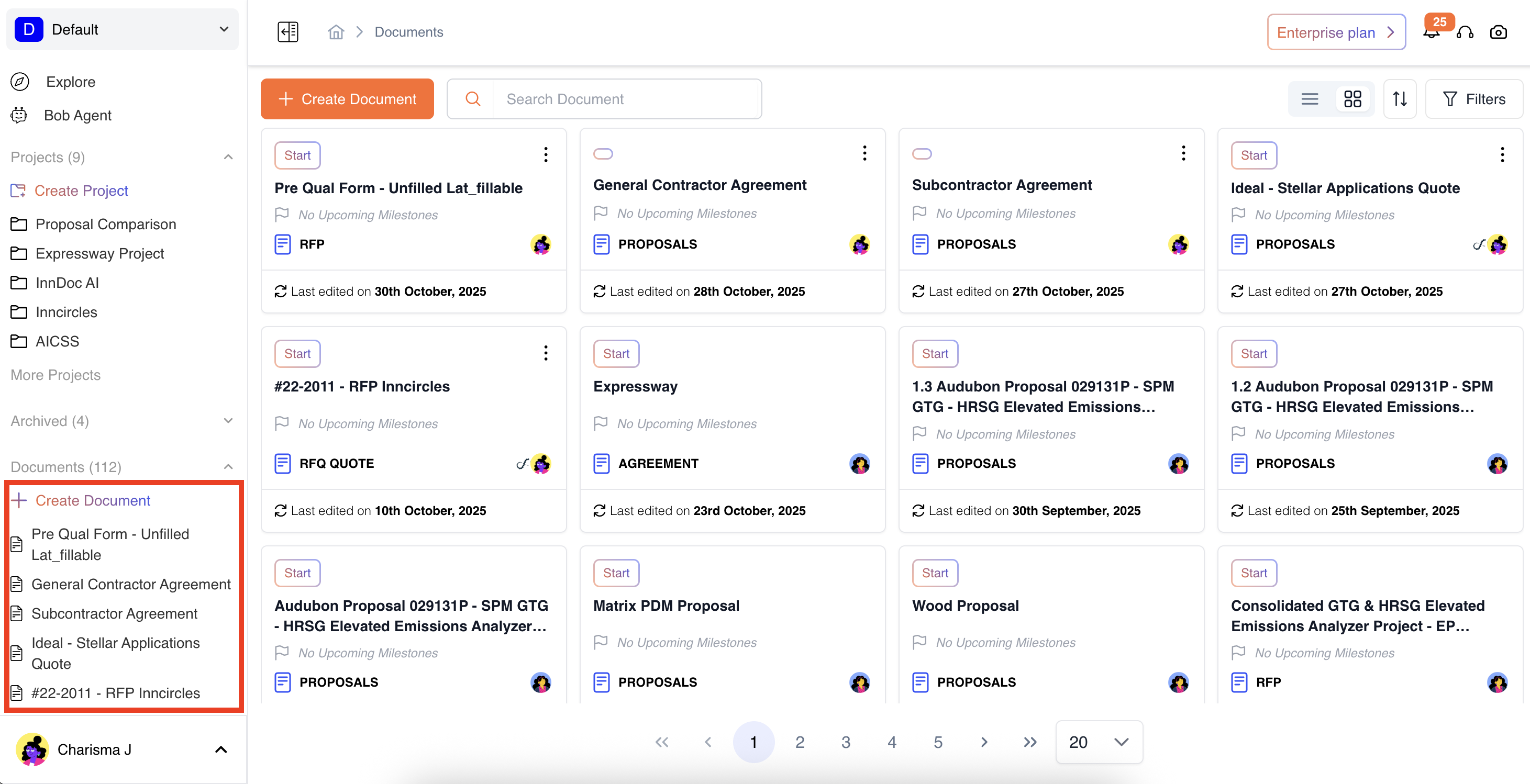
If the user intends to customize a document type based on specific requirements - Create a Custom Document Type
Collaboration Tools
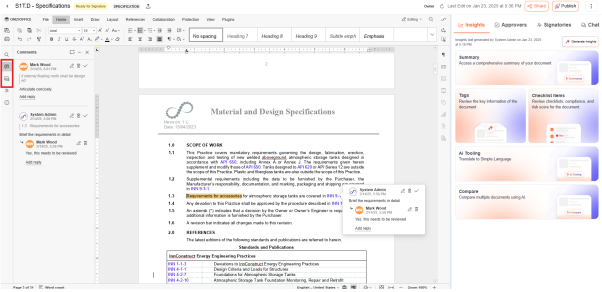
- Users can access collaboration tools, such as Chat and Comments, through the editor's quick-access toolbar.
- This enables users to engage in real-time discussions and comments within the document, enabling multiple users to collaborate efficiently on the same document.
Contextual Compare
The Compare feature in InnDoc AI Editor allows users to analyze differences between documents contextually, enabling precise content validation and version control.
-
Accessing the Comparison Tool
- Open the document in InnDoc AI's editor.
- Navigate to "Collaboration" in the toolbar.
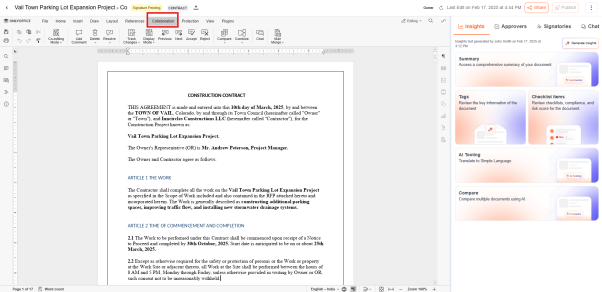
- Select Compare Tool to initiate the document comparison process.
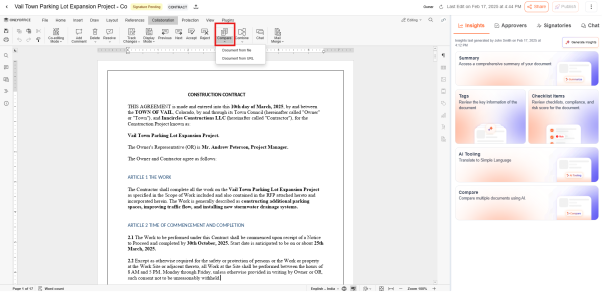
- Users can upload a document from their local system.
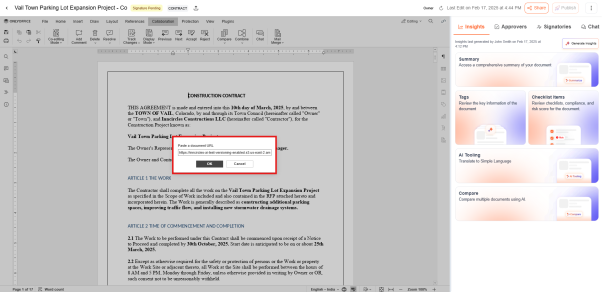
- Alternatively, users can compare documents using a URL, ensuring seamless integration of external documents and versions of the document
- Click “OK” to run the contextual comparison.
Track Changes
The Track Changes feature in the InnDoc AI Editor empowers users with advanced document editing and collaboration capabilities, ensuring a transparent and efficient review process.
-
Accessing the Track Changes Tool
- Open the document in InnDoc AI's editor.
- Go to Collaboration in the toolbar.
- Select Track Changes Tool and select “ON for me” to initiate the change tracking process.
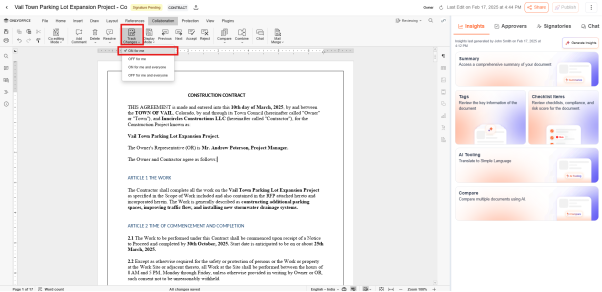
- Users can activate the Track Changes feature to monitor modifications made to a document in real time.
Every addition, deletion, or formatting change is recorded with author details and timestamps.
Updated 12 months ago