
Generate from Scratch
How to generate with AI?
- Users can navigate to the "Generate with AI" card on the Home Screen to initiate the document generation process.
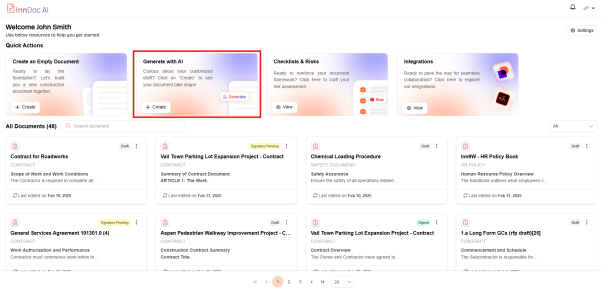
Selecting a document type
- Users can choose the document type that best fits their requirements (e.g., Contracts, RFQs, Agreements, etc.).
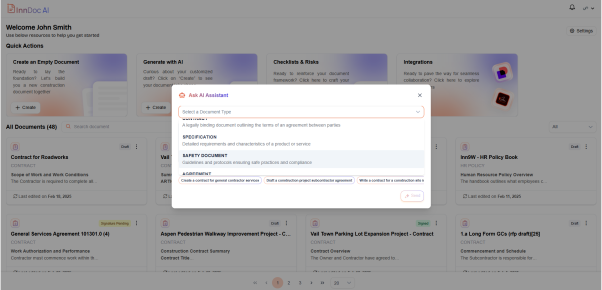
- If the user intends to customize a document type based on specific requirements - Create a Custom Document Type
Providing prompts
- Users must enter a detailed and well-structured prompt to guide AI in generating a relevant and precise document.
- The more specific and detailed the prompt, the more accurate and contextually relevant the generated document will be.
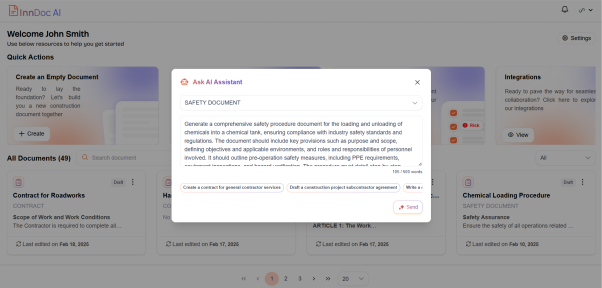
Once the prompt is provided, select 'Send' to initiate AI-driven drafting with structured insights from past documents.
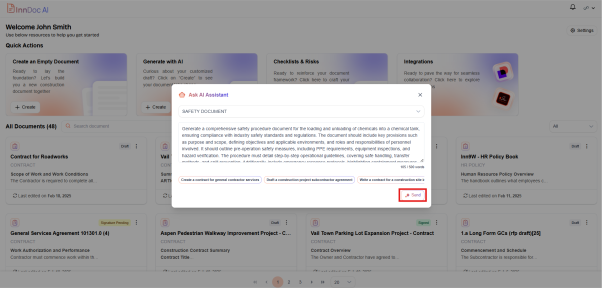
- Users can choose to create a document from scratch by clicking the "Generate from Scratch" button, followed by "Generate" allowing complete customization
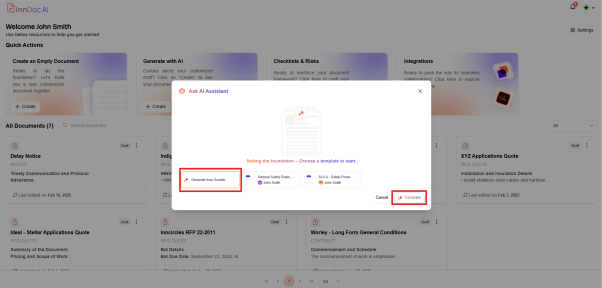
If a similar document exists in the repository, InnDoc AI intelligently references its structure to generate a well-aligned document.
Updated about 1 year ago
Did this page help you?