
Upgrading Plans
The Account Owner and Organization Admins assigned the additional Billing Admin role can upgrade the organization's subscription plan.
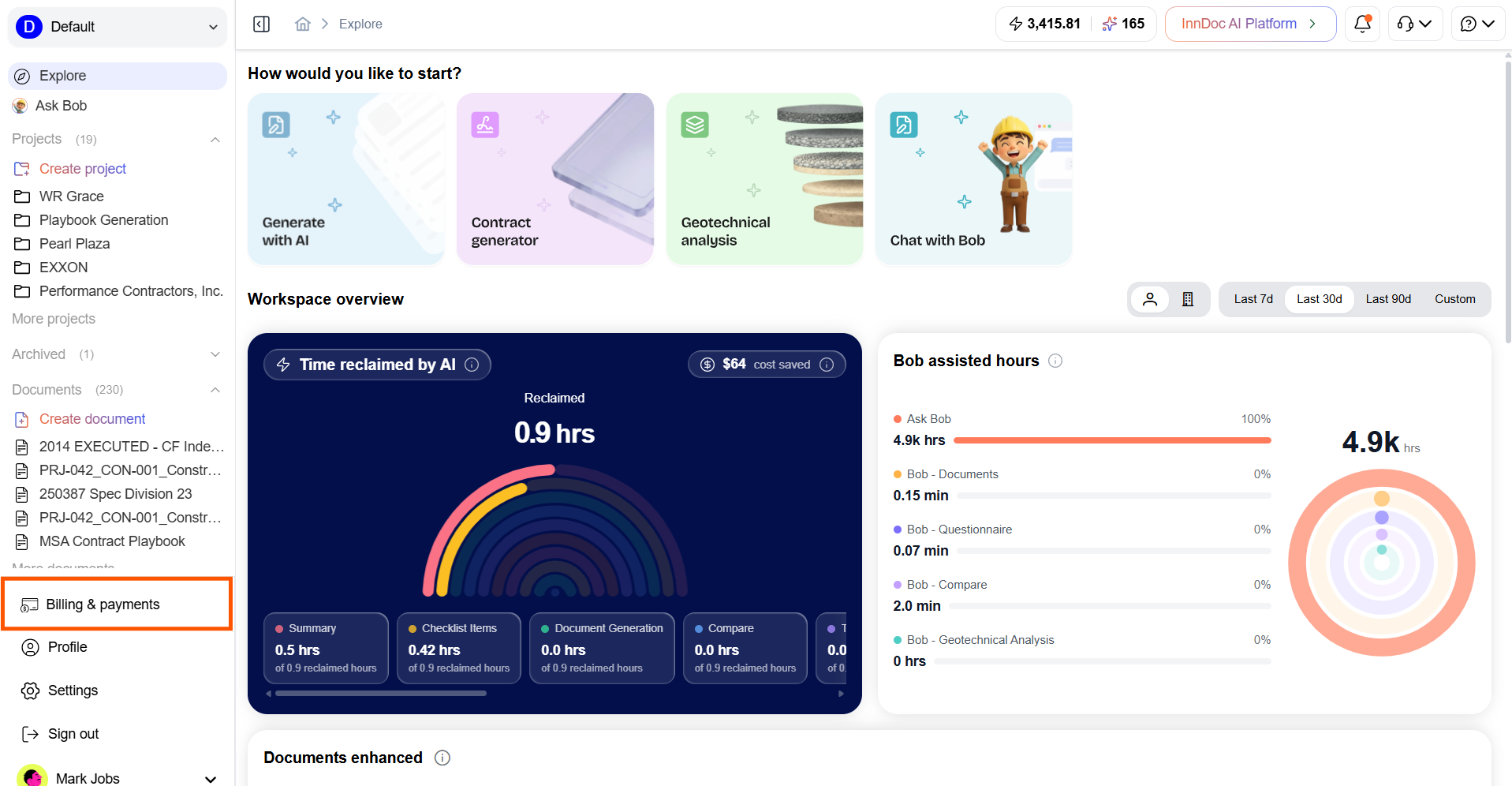
- Navigate to the Billing & Payments page
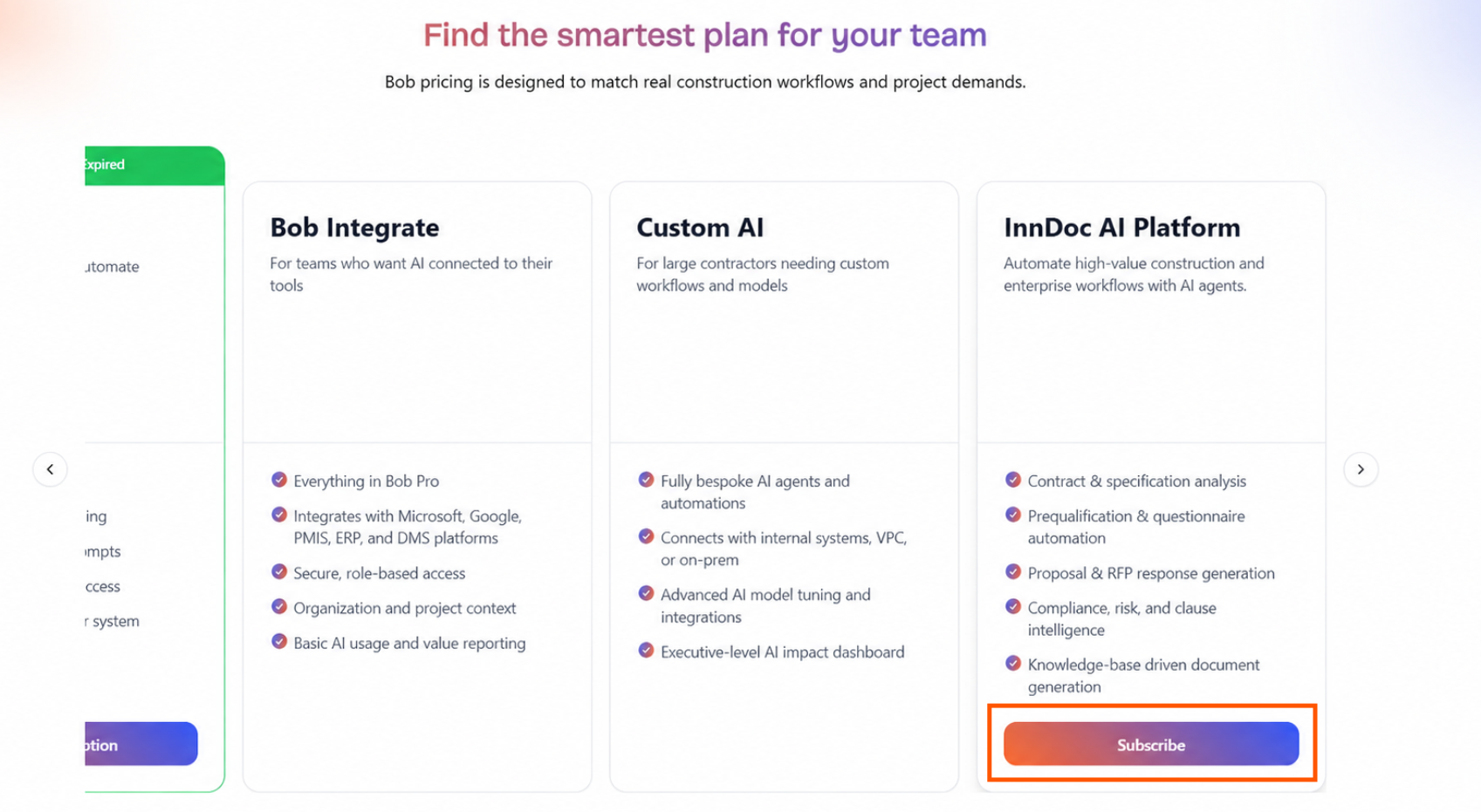
- Select the Subscribe button for the plan you want to upgrade to
- A confirmation checkout dialog will display the additional features and benefits included with the upgraded plan
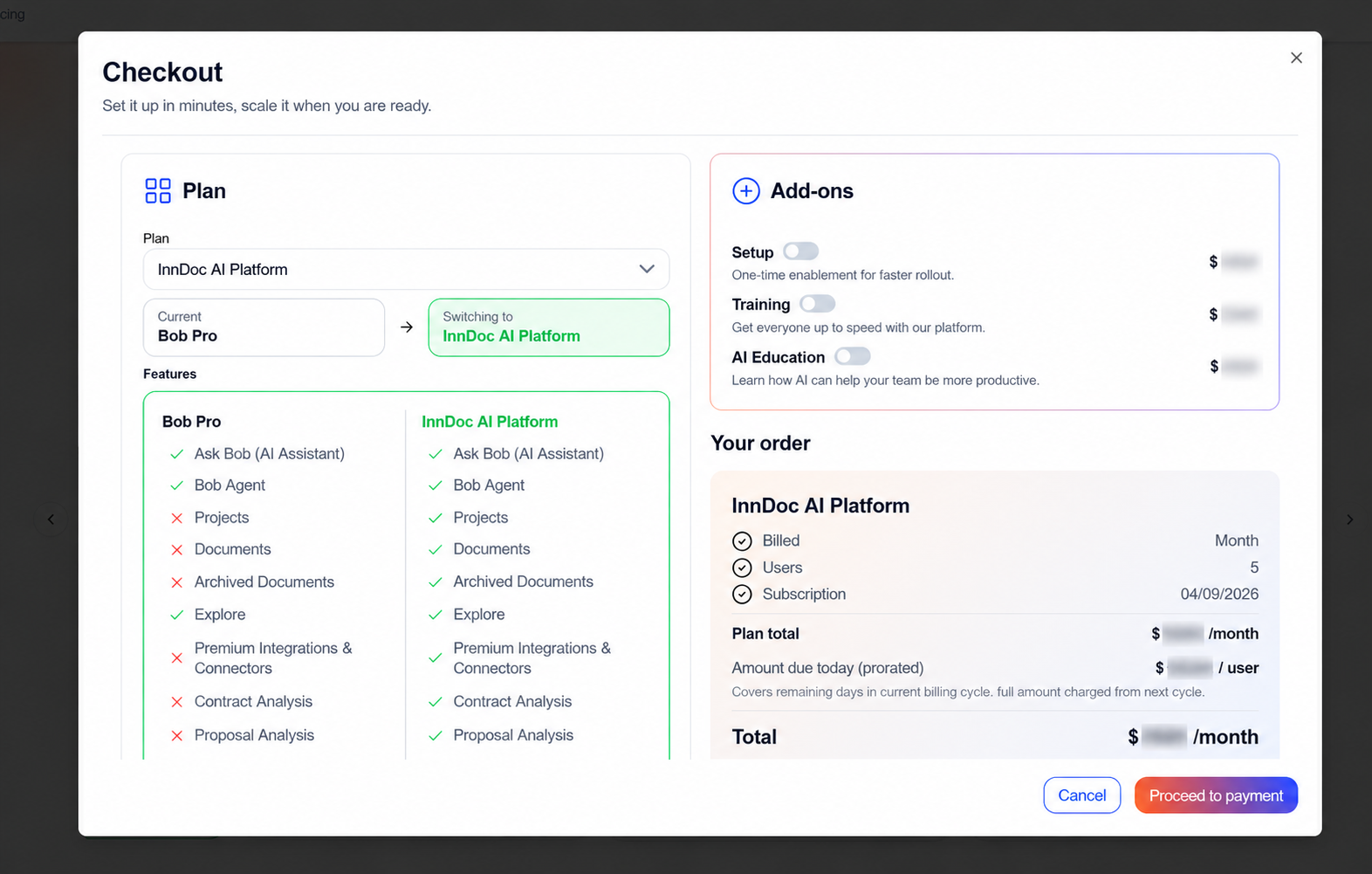
- Review the details and make any required changes before proceeding
- Proceed to the Payment page by clicking on "Proceed to payment"
- Review the payment details carefully and complete the payment
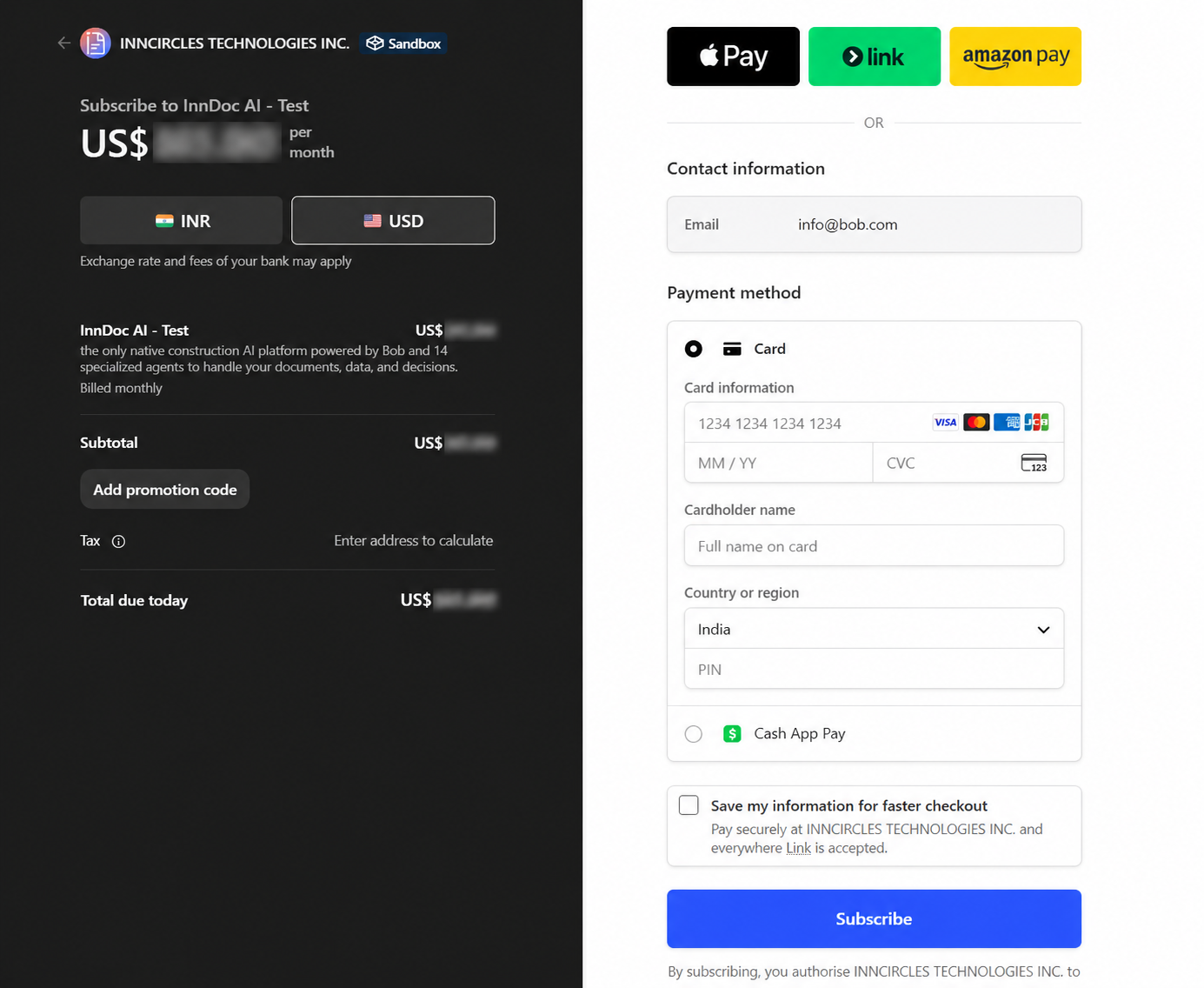
- Once the payment is successfully completed, the new plan will become active.
Updated about 2 months ago
Did this page help you?