
Managing a Questionnaire
Overview:
The Manage Questionnaire section allows you to efficiently track, review, and control the progress of your questionnaire. It gives insights into the status of questions, the source of answers, and allows you to make updates to ensure accurate and timely completion.
Viewing Questionnaire Details
When managing a questionnaire, you can:
-
See whether all questions have been extracted.
-
Track how many answers have been submitted, approved, rejected, or flagged.
-
Search for a specific question using the search bar.
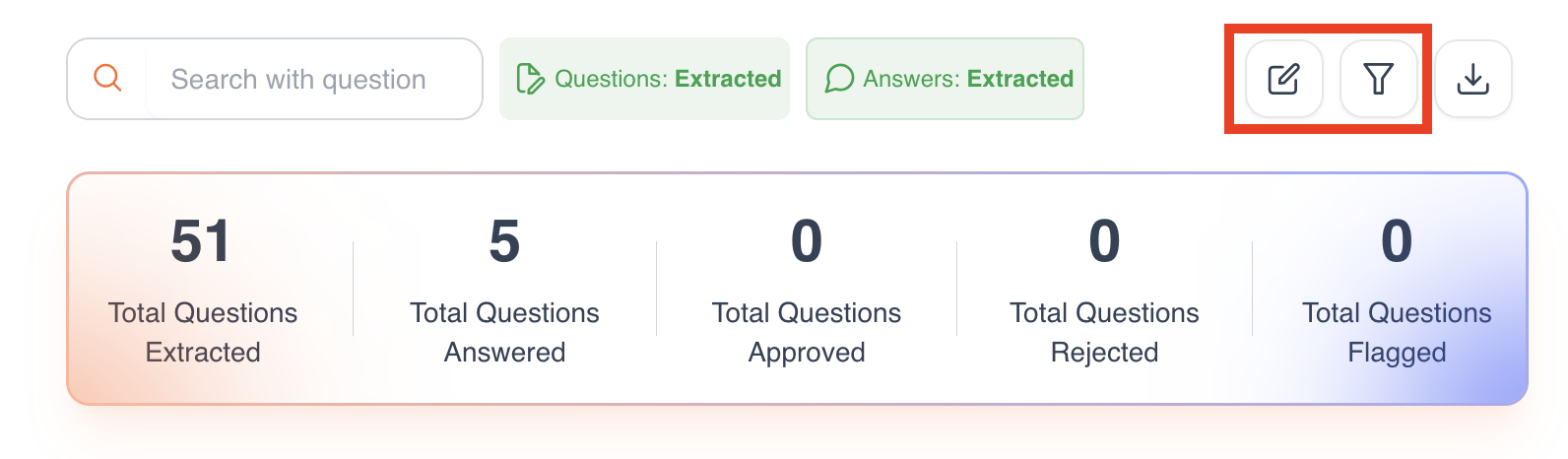
Editing Options
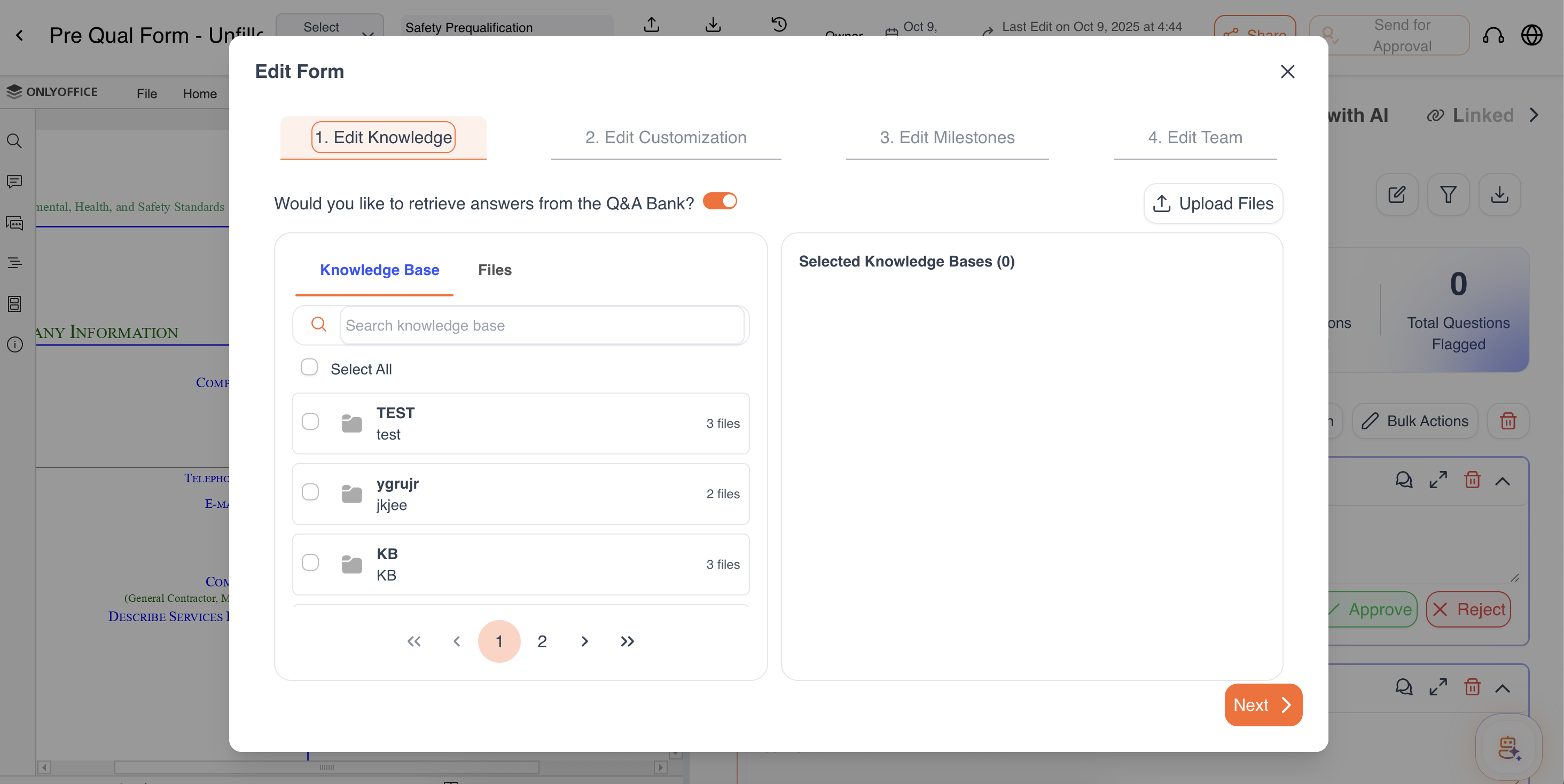
You can make updates at any point in the questionnaire:
-
Edit Knowledge Bases – Add new files/ knowledge bases or remove any if not needed
-
Edit Customization – Update AI instructions, tone, verbosity, or prompts.
-
Edit Milestones – Change deadlines or add new milestones for this questionnaire.
-
Edit Team – Add or remove team members, or update their access levels.
Filtering Options
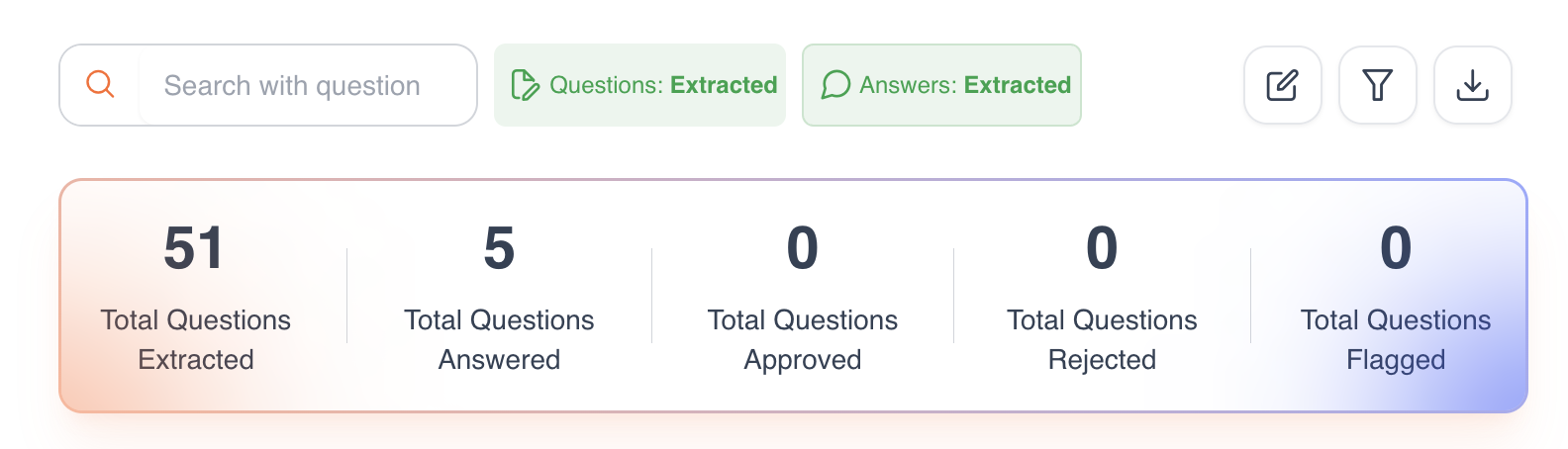
Filters allow you to quickly locate questions or answers based on:
Assigned to Me – Questions assigned to you.
Watched by Me – Questions you’re monitoring.
Status – Flagged, Rejected, Approved, or Pending answers.
Author – Questions answered by AI or team members.
Assignee – Filter by team members responsible for answering.
Updated 9 months ago