
Due Date
Overview:
The Due Date feature allows you to set or update deadlines for individual documents within a project. This ensures that team members are aware of upcoming deadlines and helps track overdue items efficiently.
Who Can Update:
- Document Owner
- Document Editor
- Workspace Admin / Project Admin (if access is granted at the document level)
How It Works:
- **Document-Level Update:
-
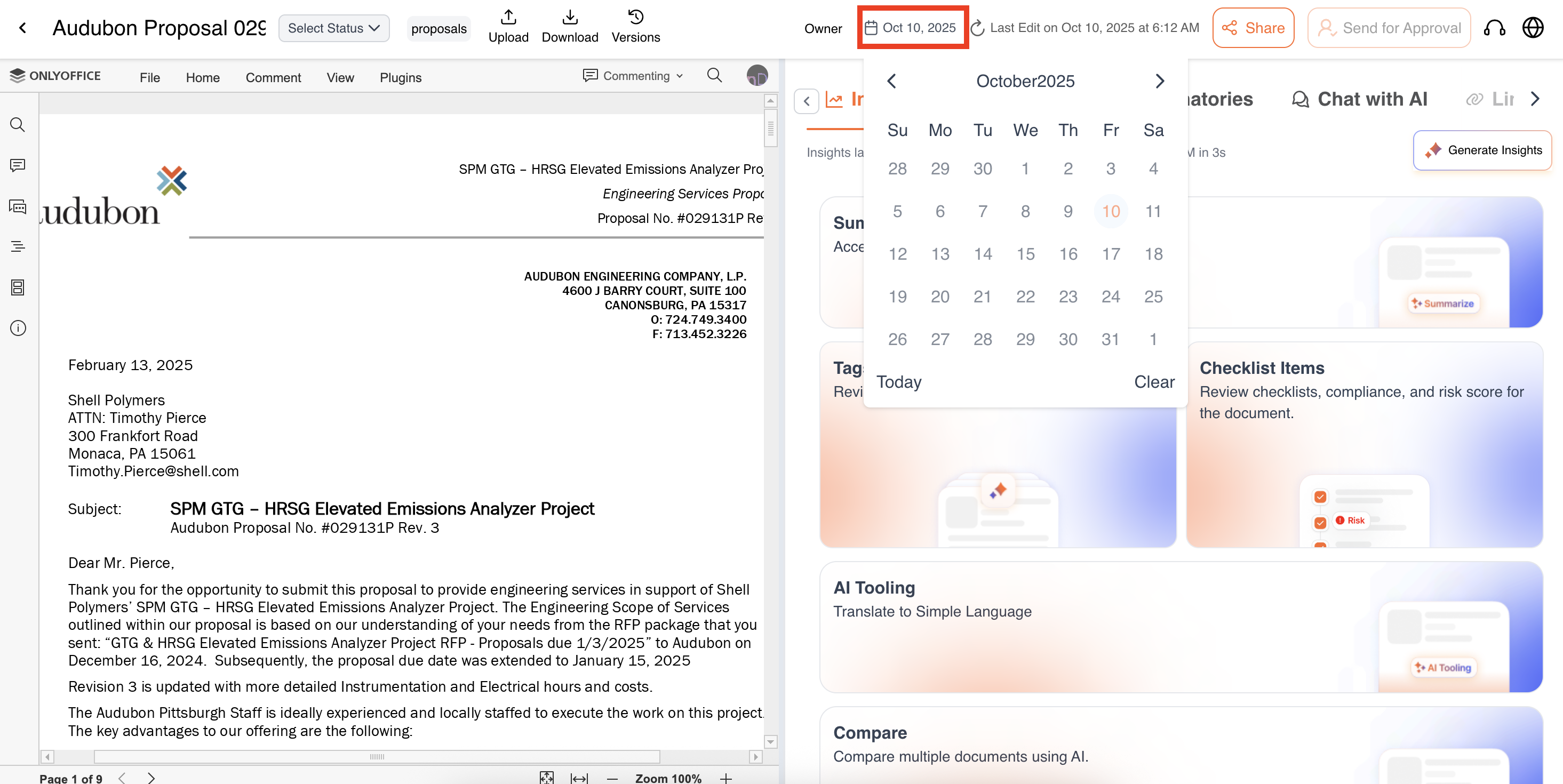
**Inside the document for which you want to update the due date. This can be updated on Projects level level as well outside the document.
-
Click on the Due Date field
-
Select a new date from the calendar picker.
-
Save your changes. The updated due date will reflect across the project dashboard and relevant notifications.
-
- Project-Level Update:
-
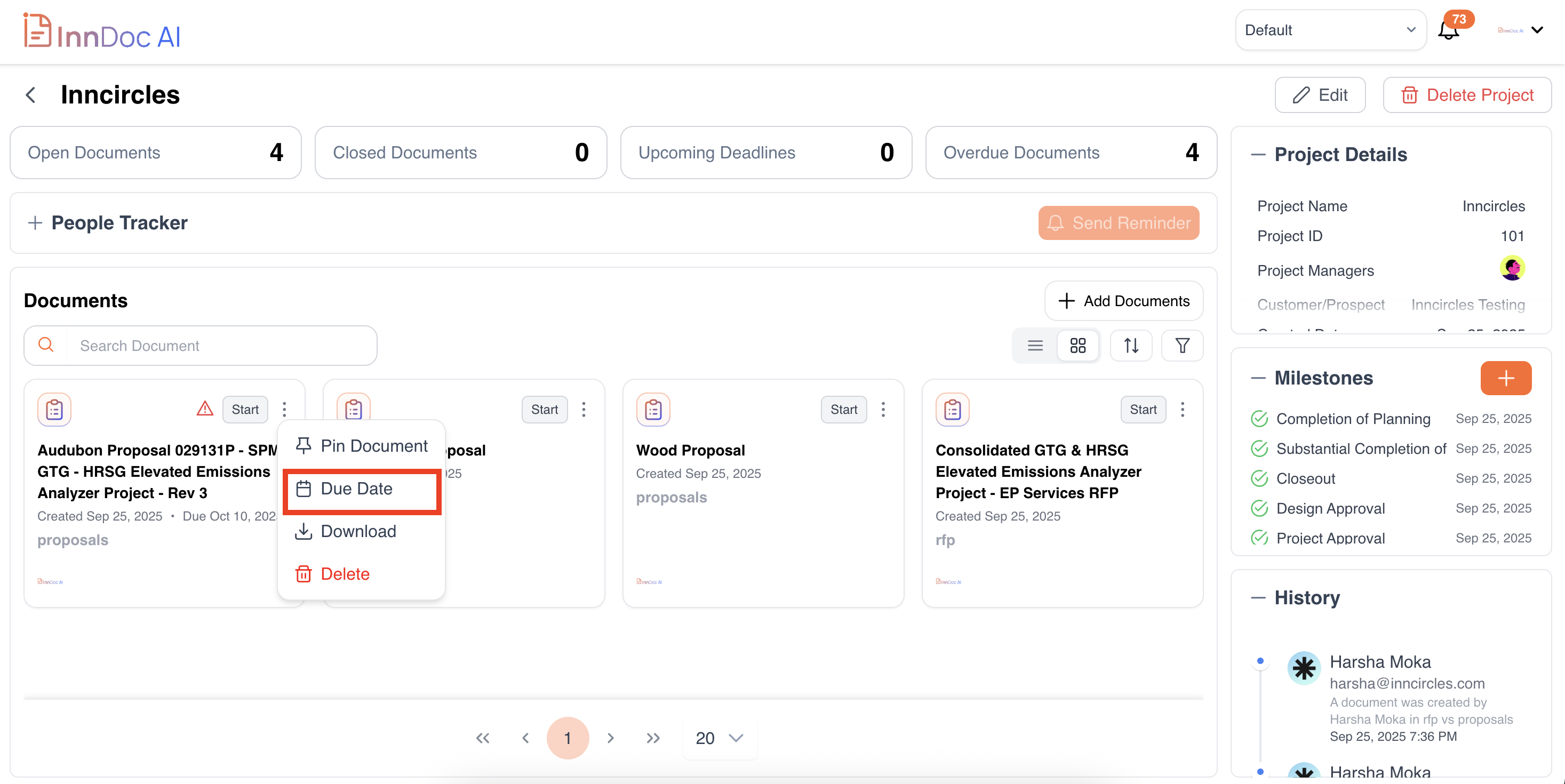
Navigate to the Project Dashboard.
-
Locate the document in the list or card view.
-
Click on the due date field or action menu for the document.
-
Update the due date for the document.
-
Updated about 1 year ago