
Bob - Request Additional Credits
Users can request additional Ask Credits and Agent Credits directly from the platform
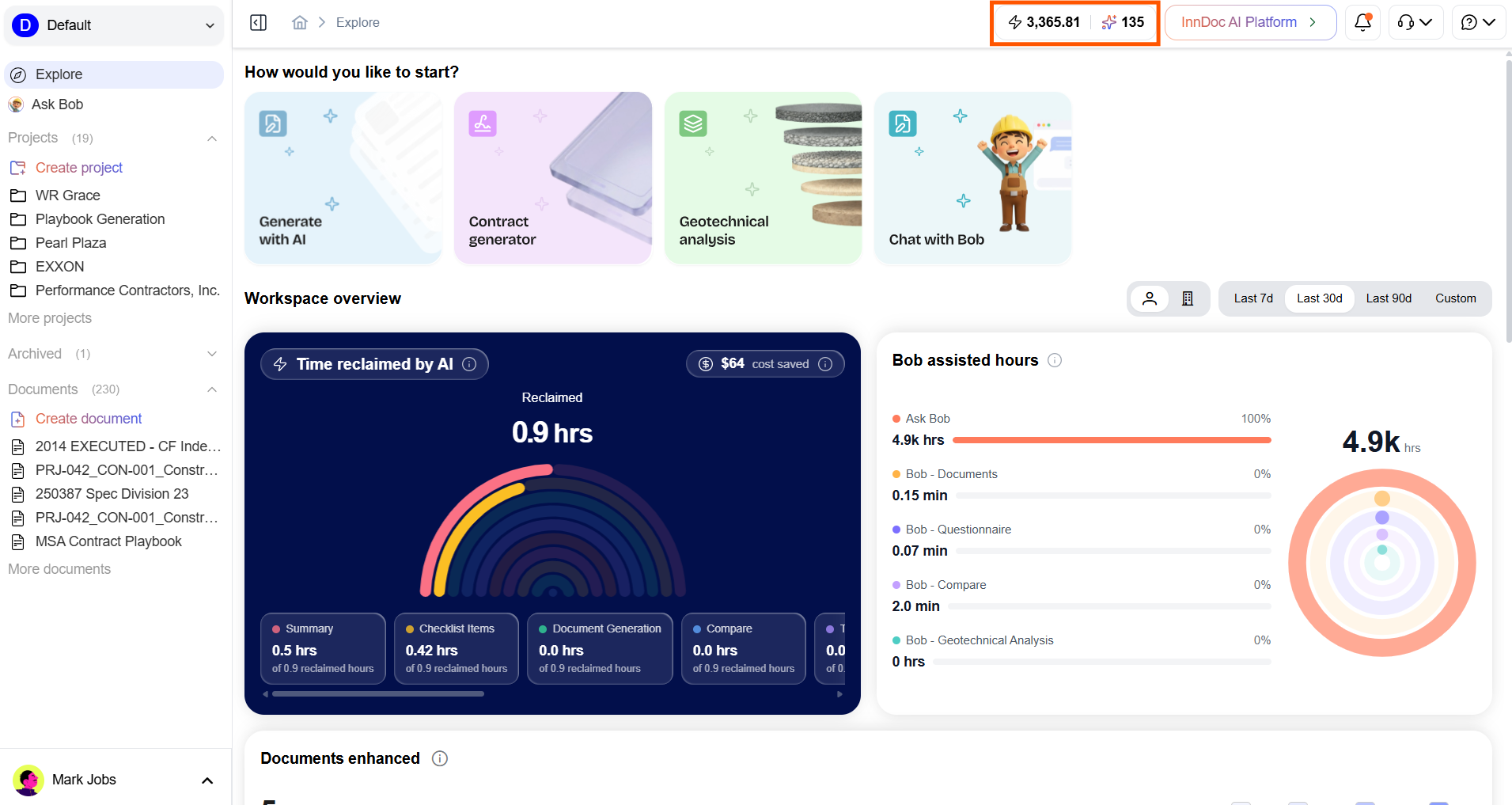
- From the top bar, click the Credits chip
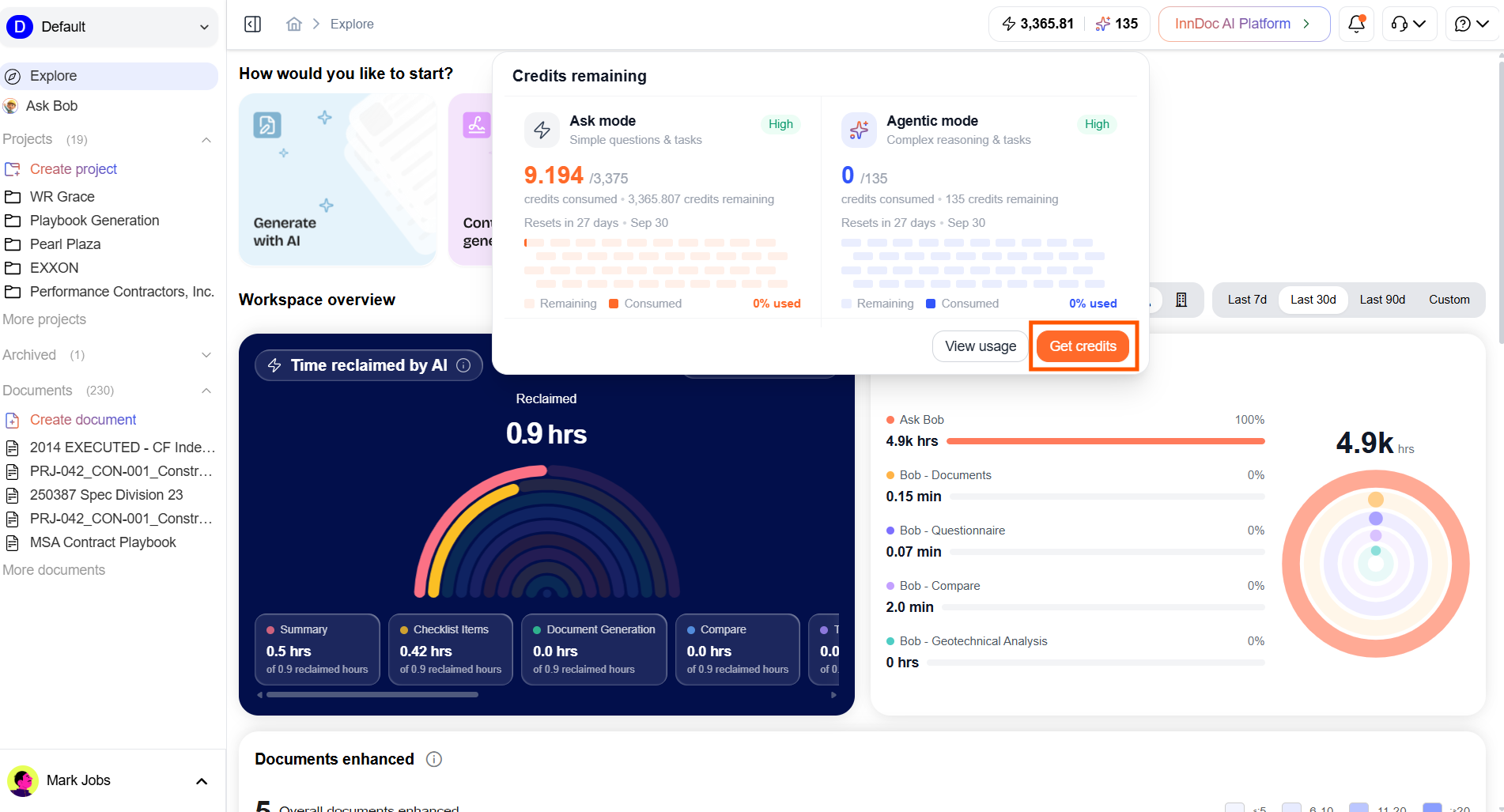
- Click on "Get credits" button
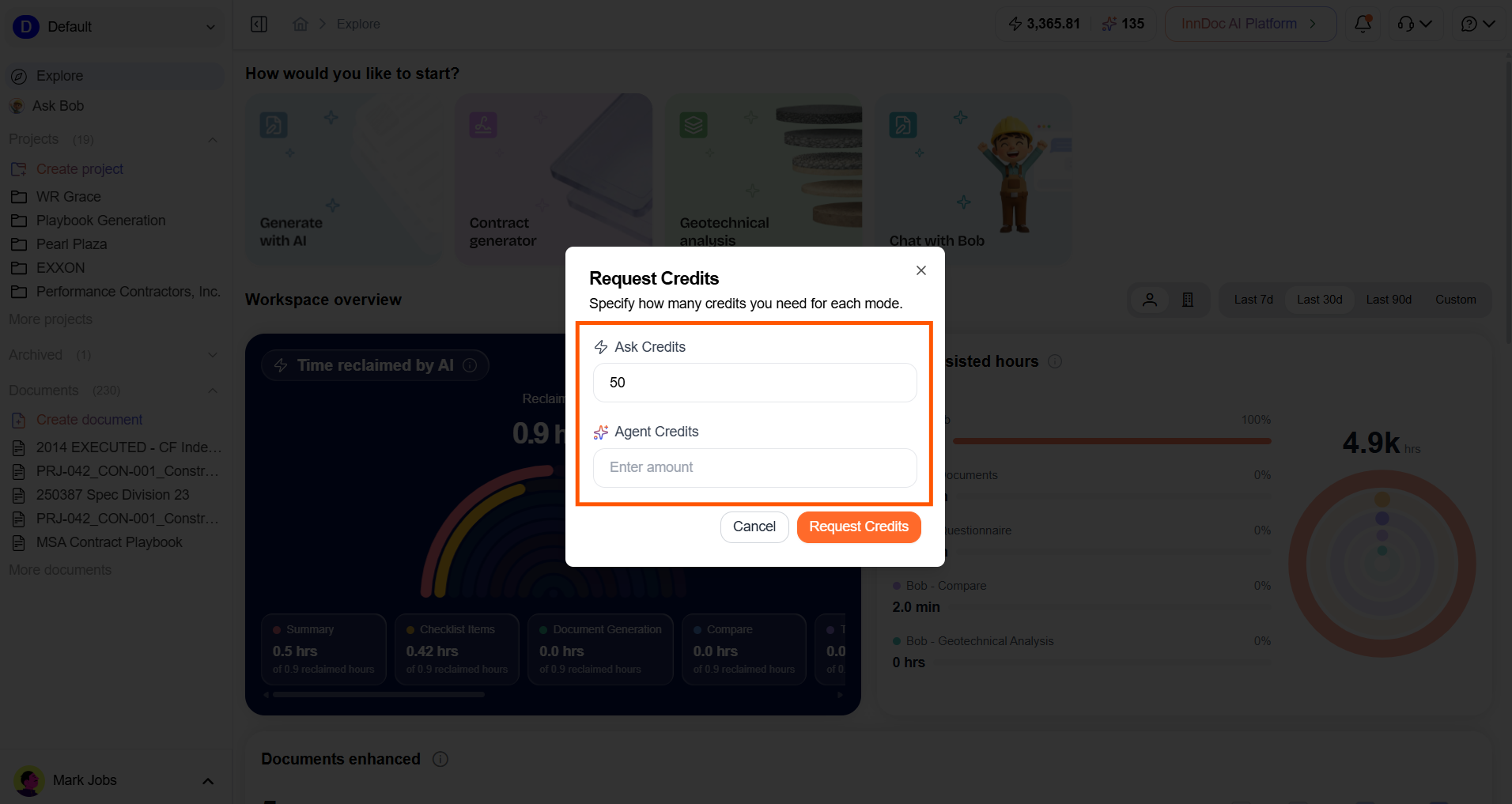
- Enter the required number of Ask Credits and Agent Credits
- Click Request Credits to submit the request
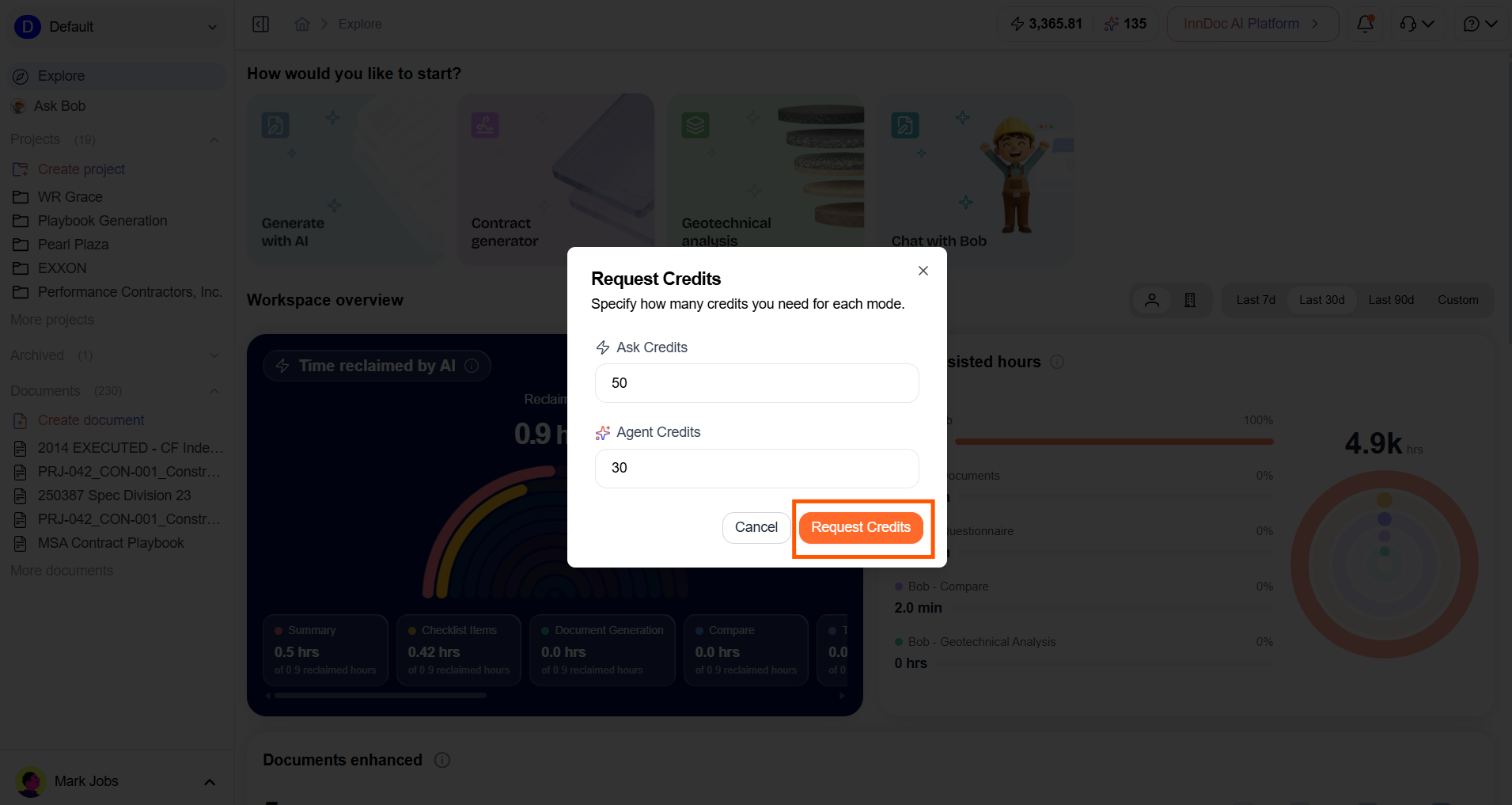
- The credit allocation request will be sent to the Account Owner and Billing Admins for approval
- Once the request is approved, the requested credits will be automatically allocated to the account
Updated about 2 months ago
Did this page help you?