
How to Use Bob Agent
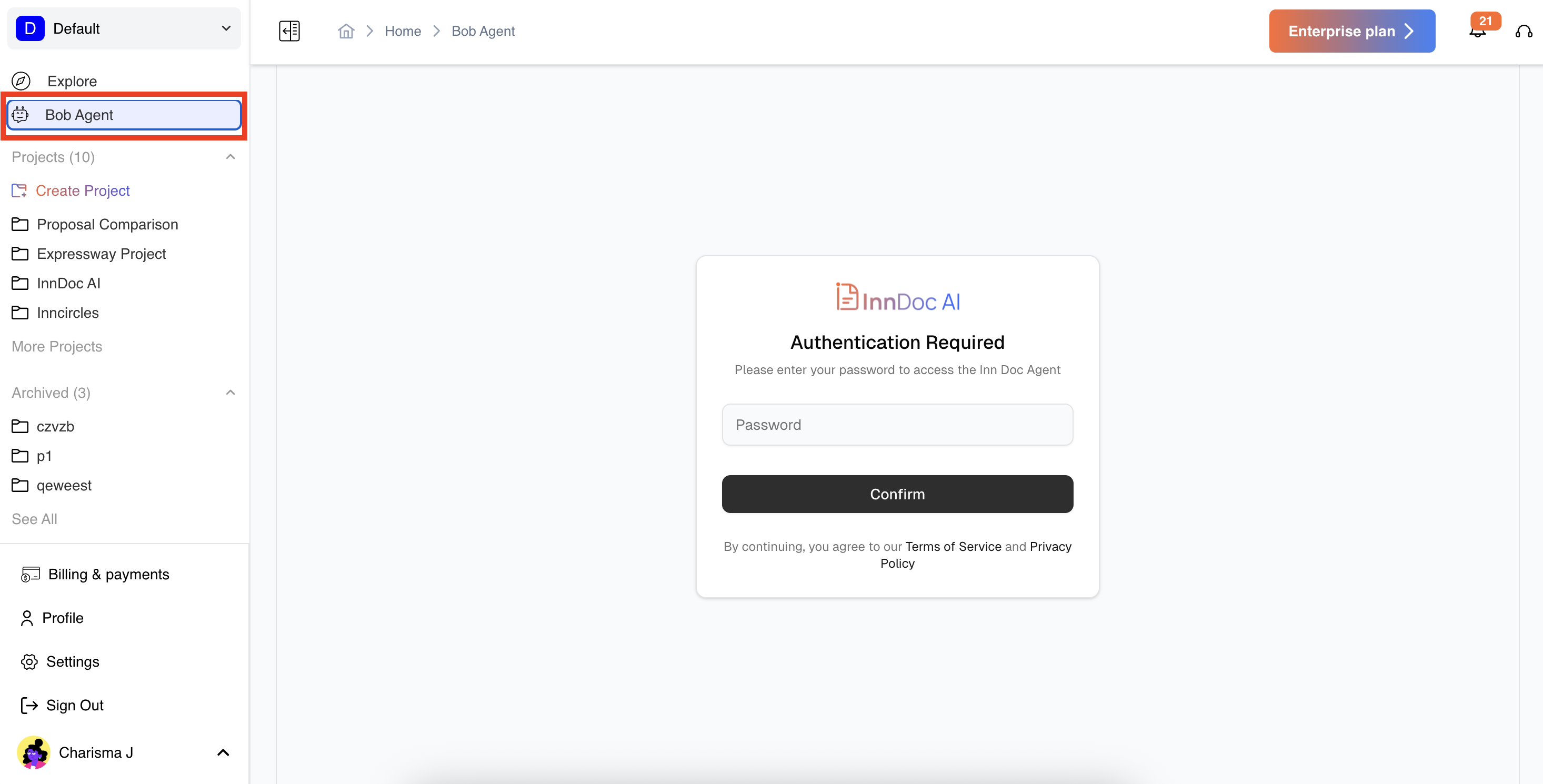
Accessing Bob Agent:
- Navigate to the left-hand sidebar in your workspace. Click on Bob Agent to launch the interface.
- Log in using your workspace credentials if prompted.
Using Bob Agent:
- Chat Interface: Type your queries related to projects, contracts, or RFPs.
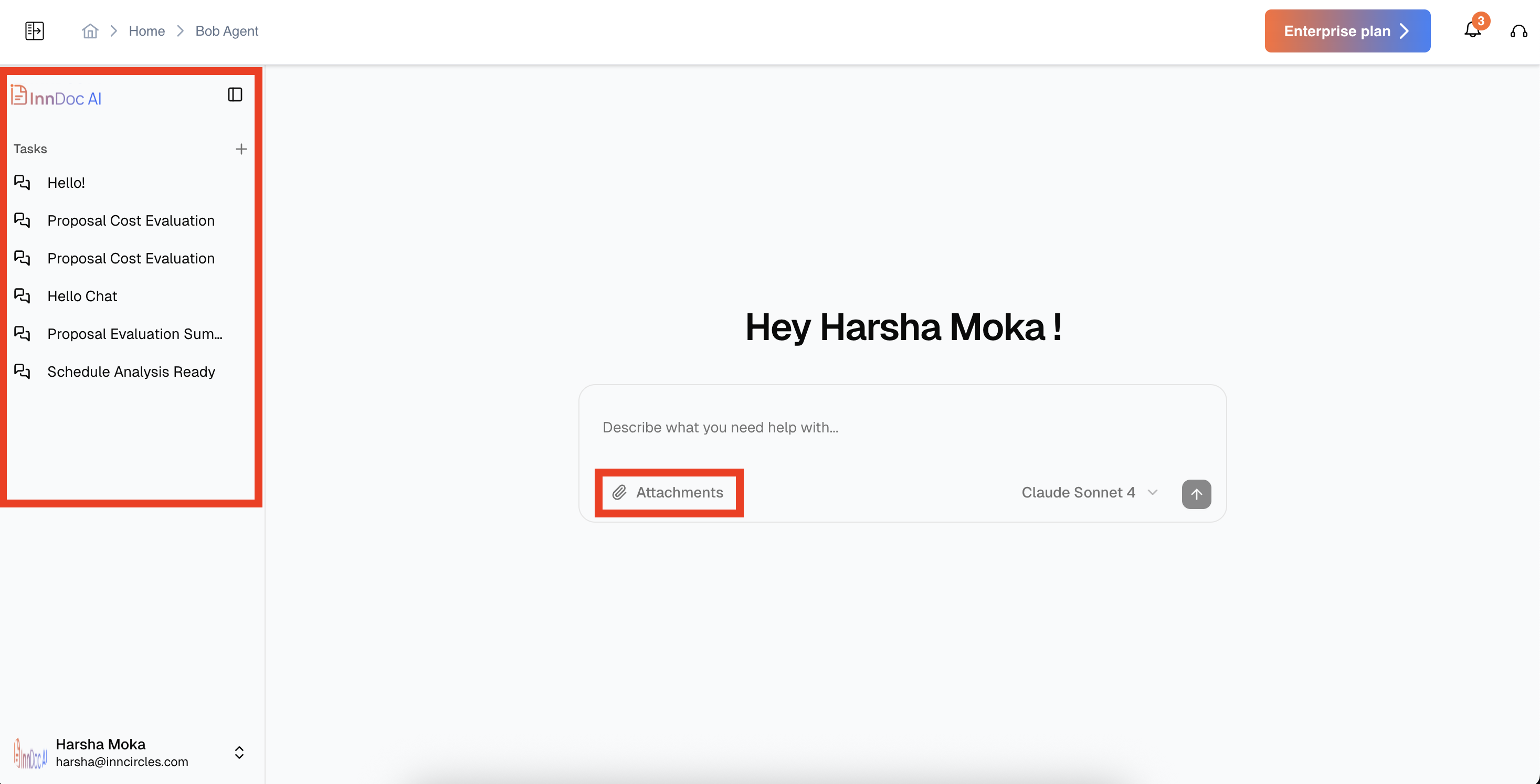
- History Panel: On the left-hand side, view all your previous conversations and responses.
- Attachments: Add documents, drawings, or reports to your chat to get context-specific insights.
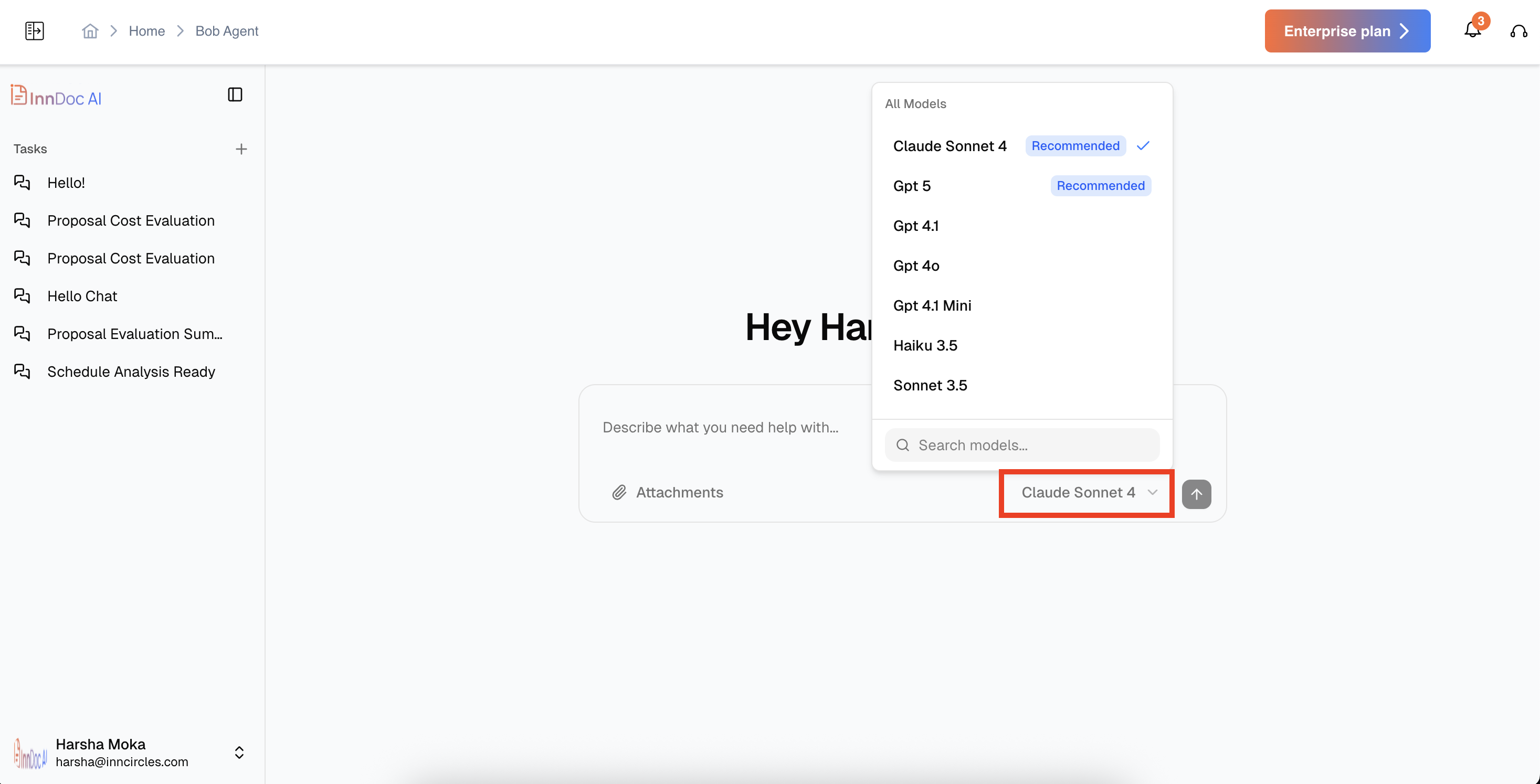
- Switch AI Engines: Toggle between available engines (e.g., Claude, ChatGPT) based on the task for optimal results.
- Query Responses: Receive accurate, source-linked answers with actionable insights
Video Reference - https://app.guidde.com/share/playbooks/8R8qYJry2zYm7twH4qUySH?origin=CLhuhyWU58WFuigCugTh3i3jhGs2
Updated about 2 months ago
Did this page help you?