
Managing a Knowledge Base
Viewing a Knowledge Base
When you select a Knowledge Base, you can view:
- Name
- Description
- Number of Files
- Created On / Last Modified On
List of Files with details:
- File Name
- Added By (user)
- Times Used
- Added On
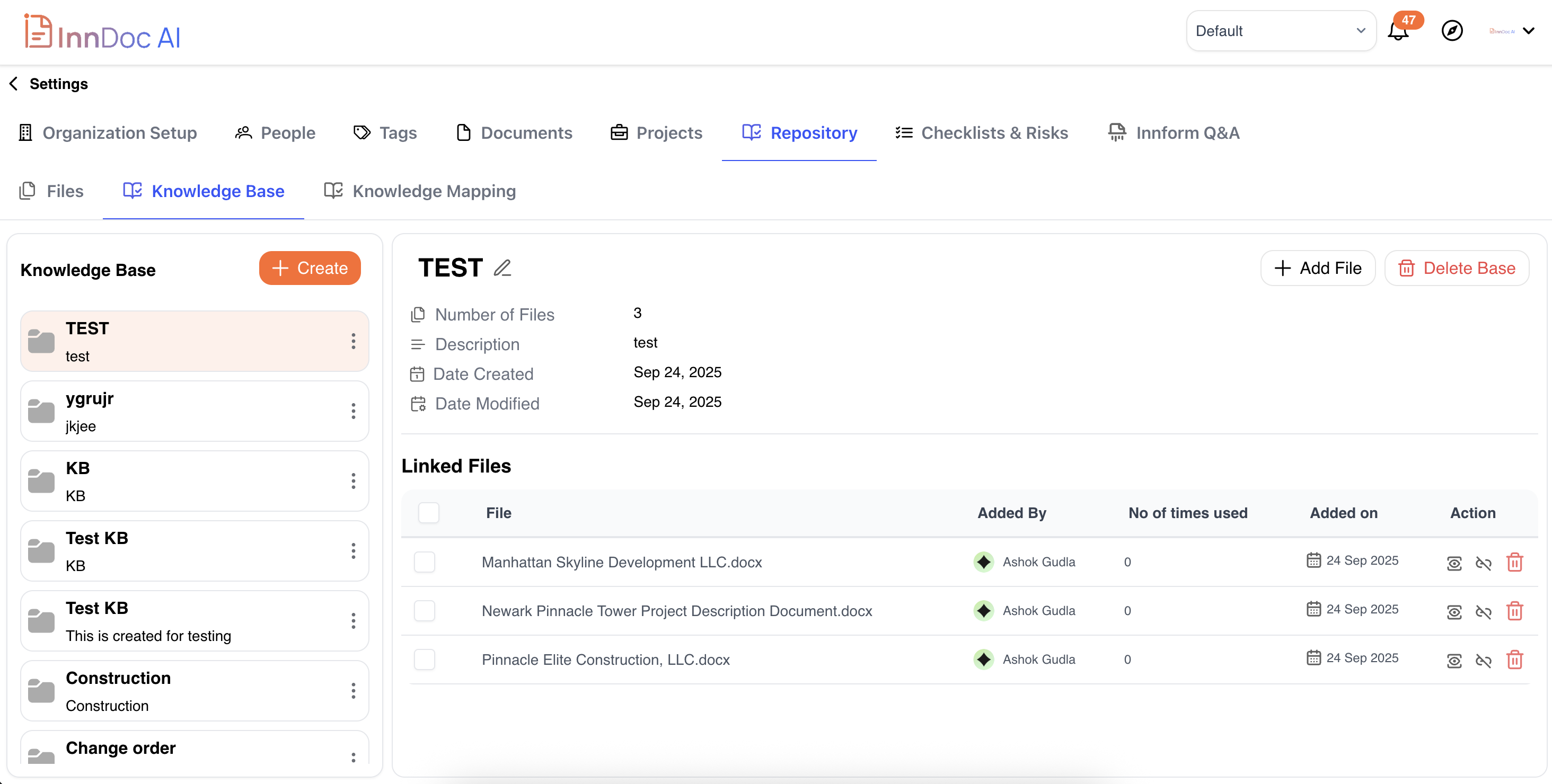
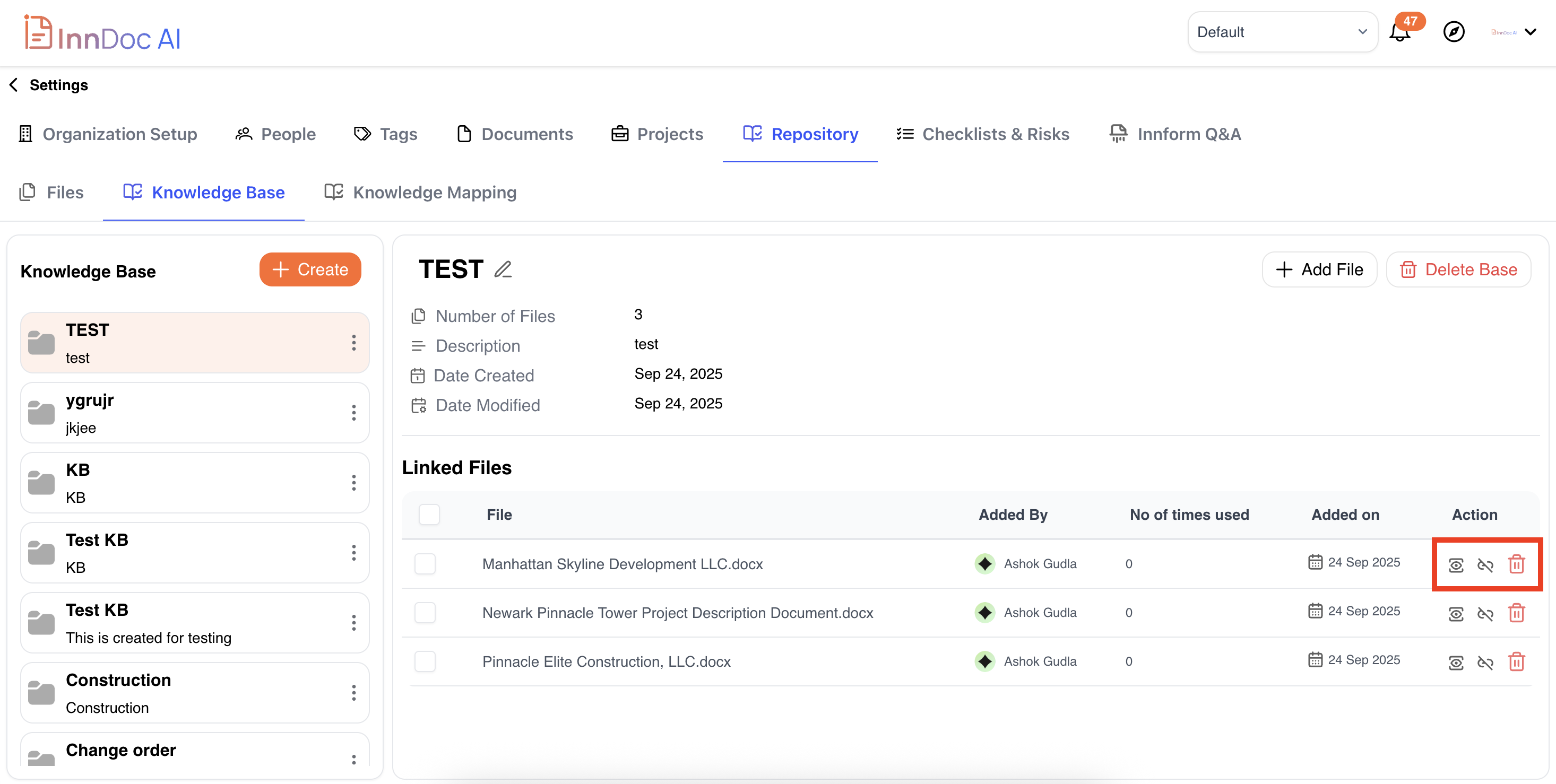
Each file also includes quick and bulk actions:
-
View – Open and preview the file.
-
Delink – Remove the file from this Knowledge Base (the file remains in your main repository).
-
Delete – Permanently remove the file from both the Knowledge Base and repository.
-
Download Files
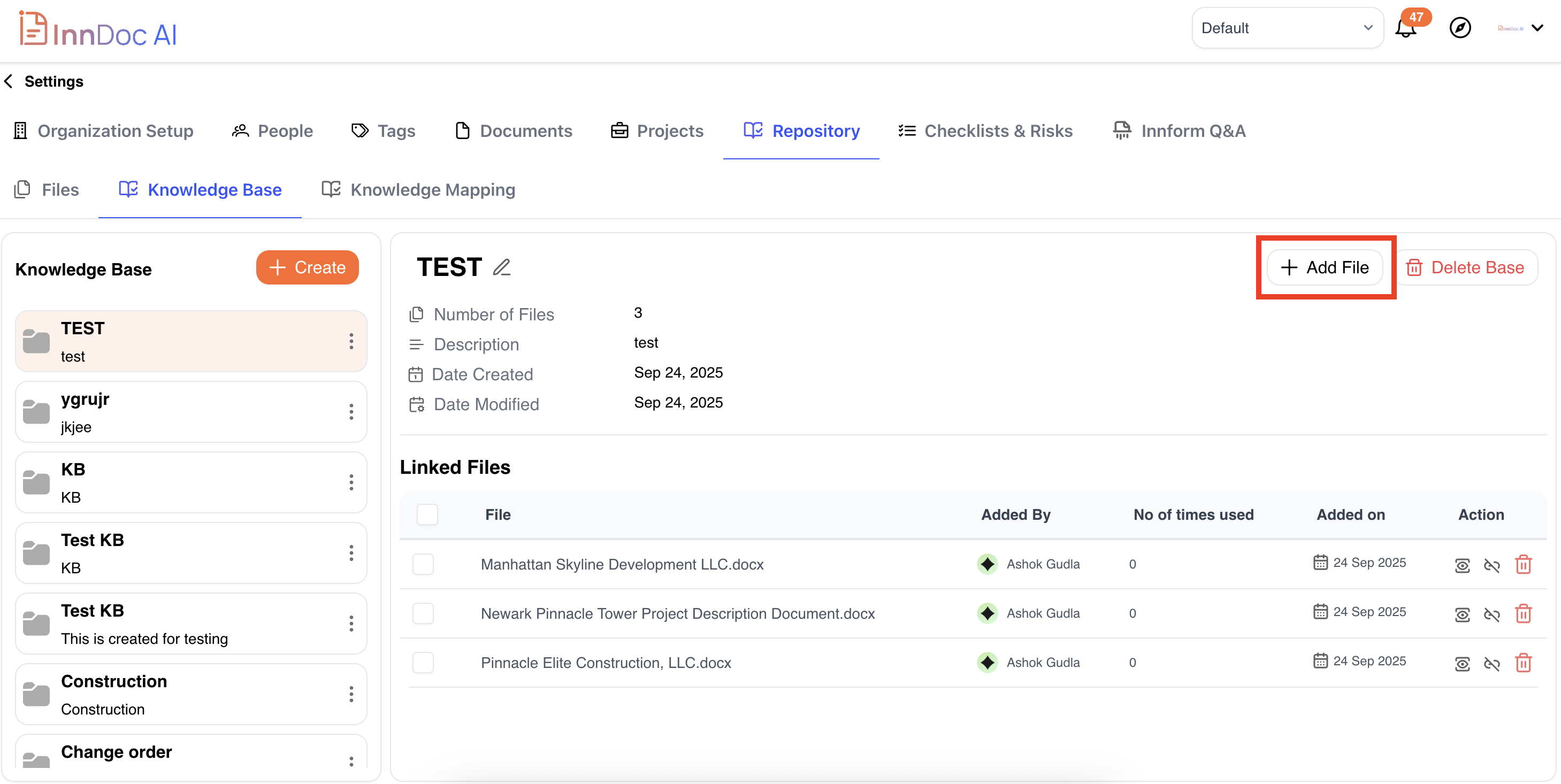
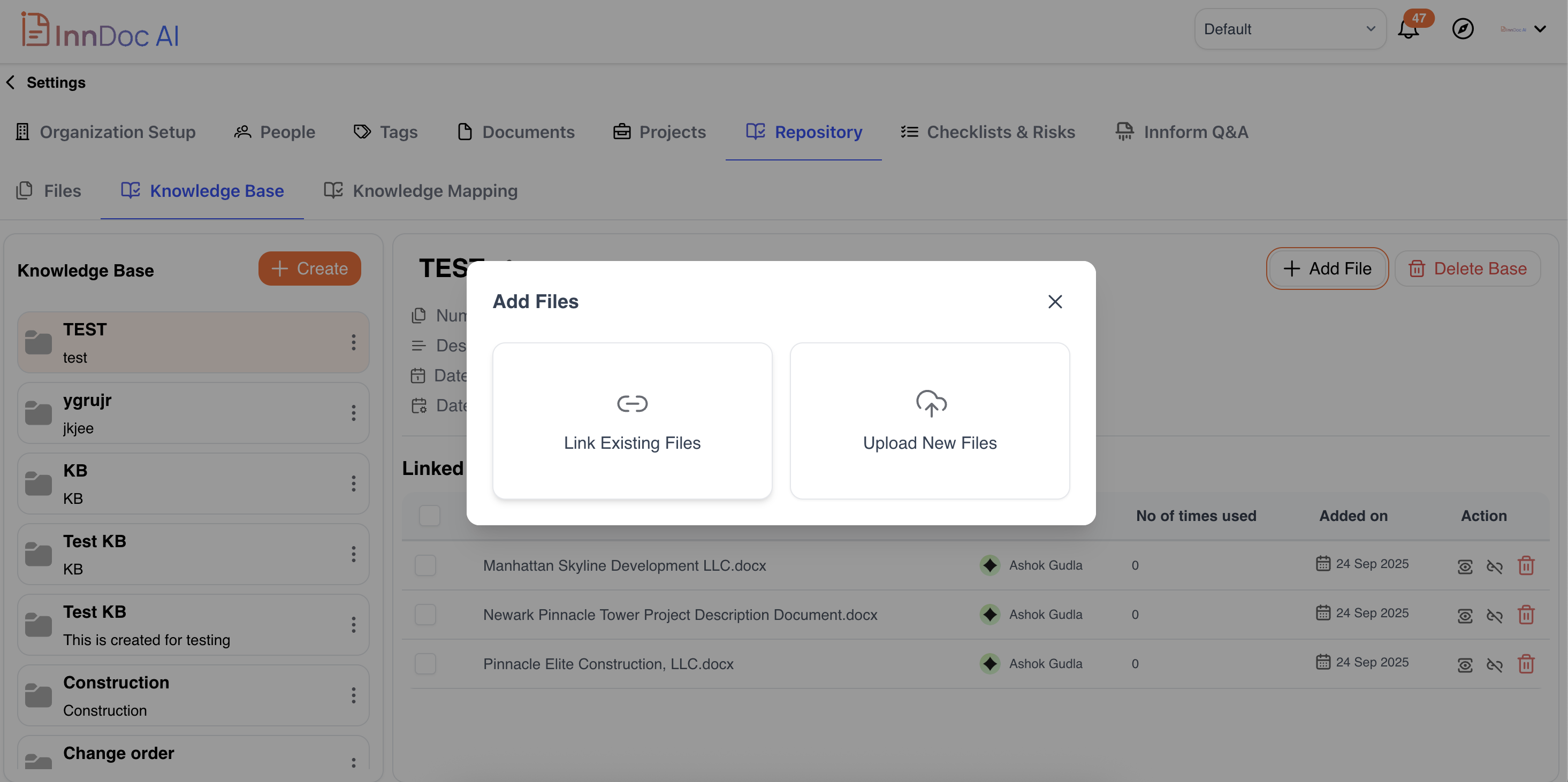
Add Files Anytime:
You can add more files later either by linking from existing ones or uploading new ones.
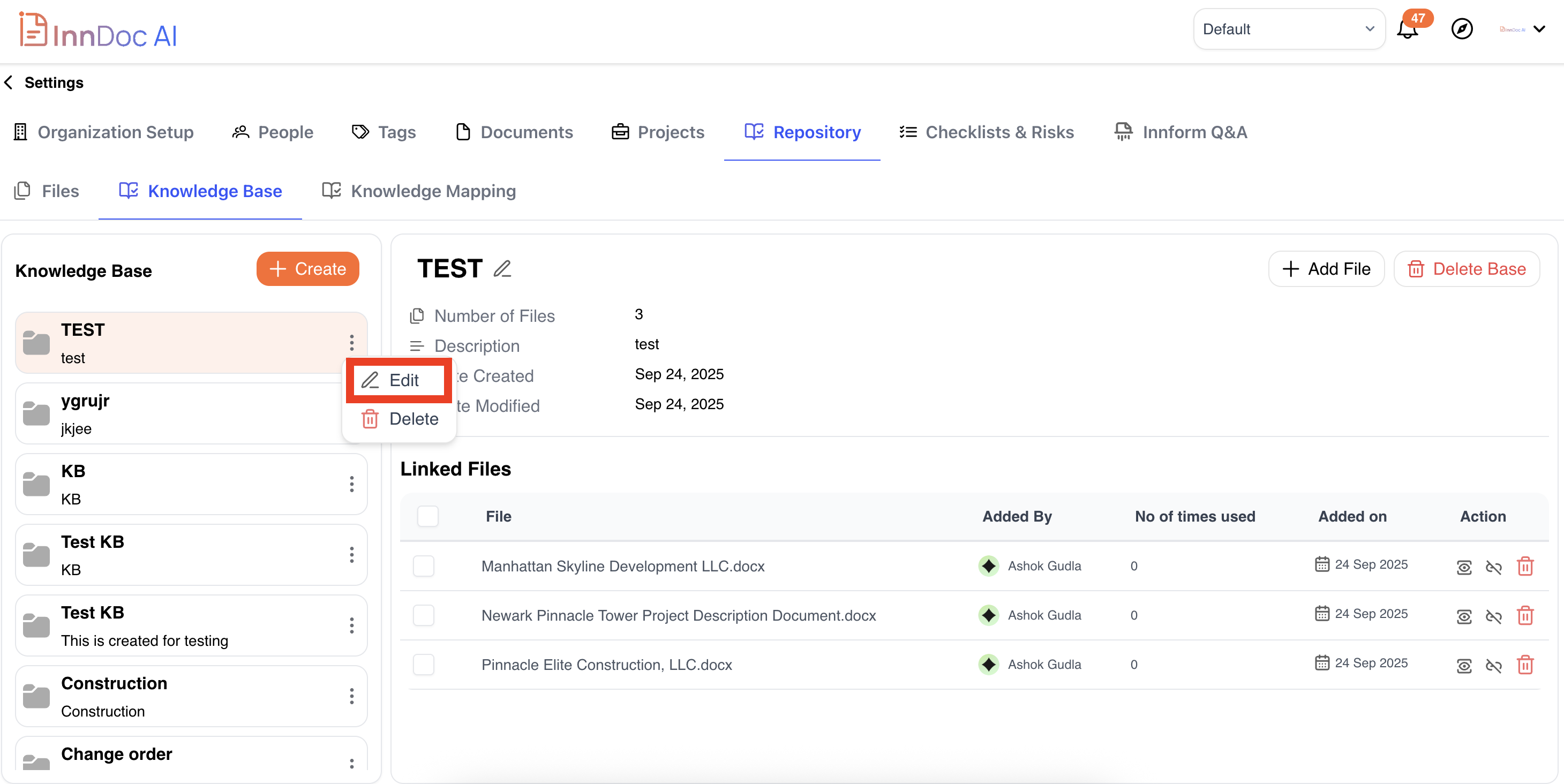
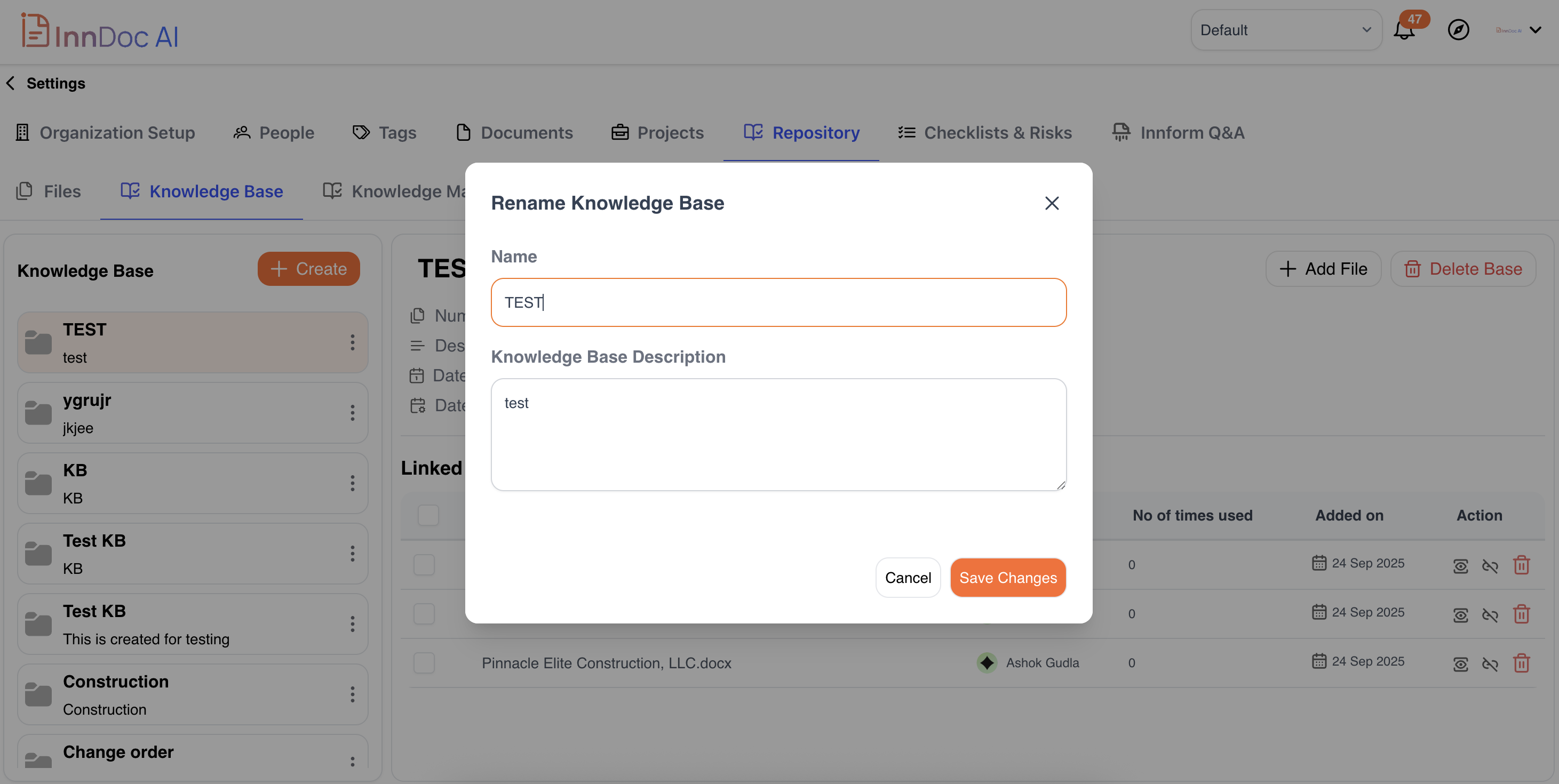
Edit Knowledge Base Details:
Click Edit to update the Name or Description.
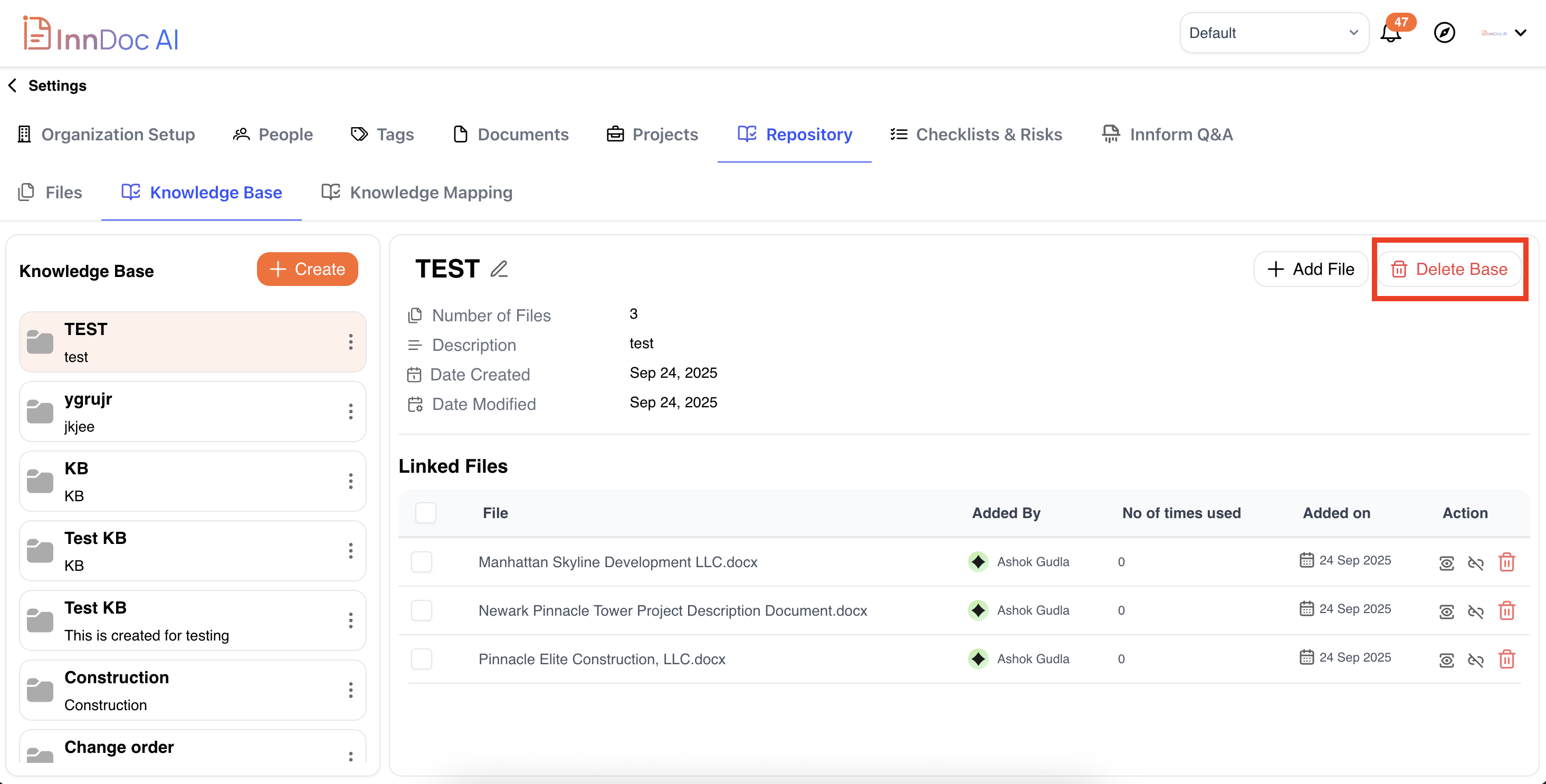
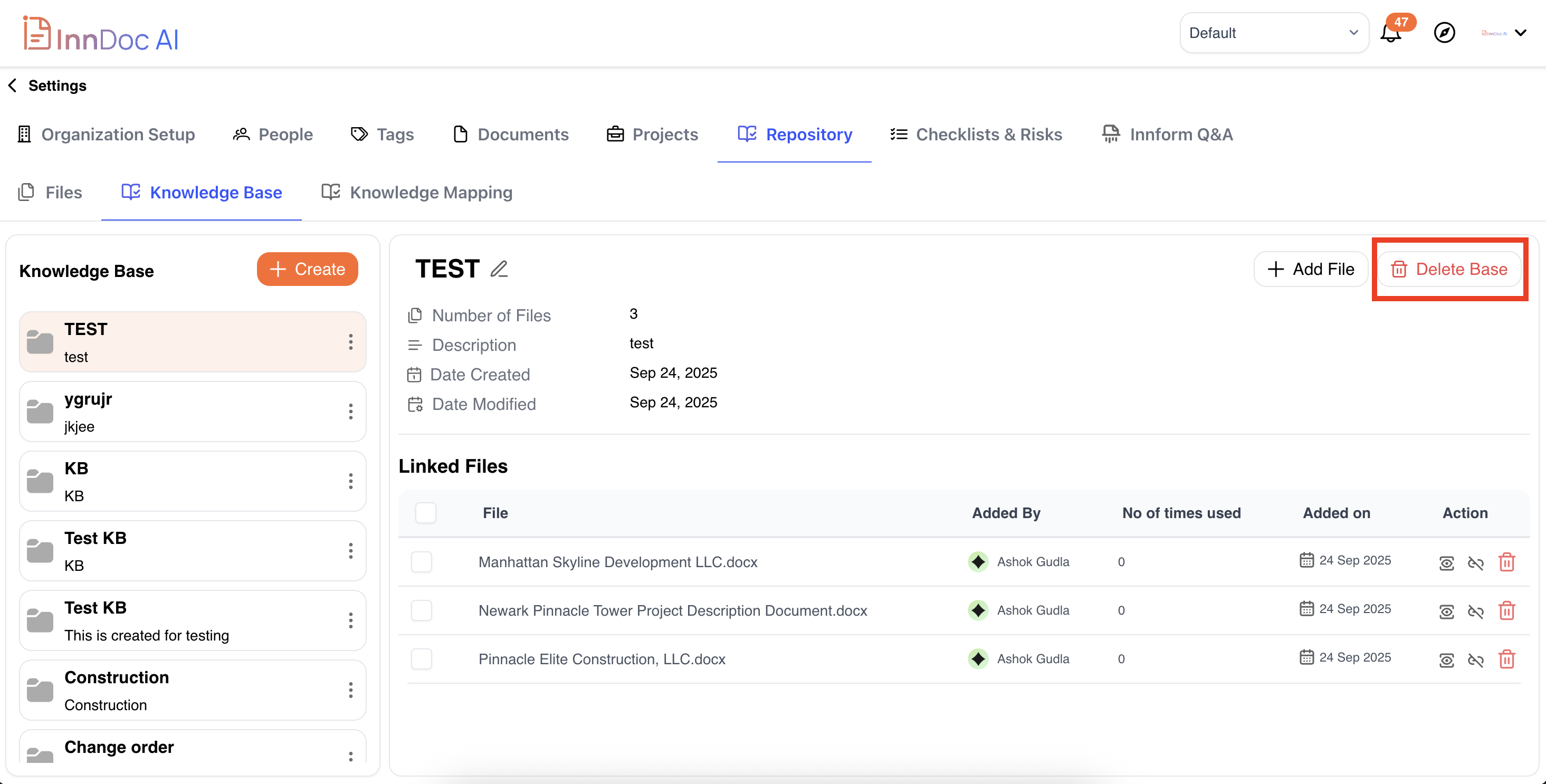
Delete a Knowledge Base:
To permanently delete, click Delete Knowledge Base. A confirmation prompt will appear before deletion.
Updated about 2 months ago